




Quick Answer
iPhone Data Restore Software helps users recover iPhone data from iCloud, computer backups, or other supported recovery sources .
Apple officially supports restoring an iPhone from an iCloud or computer backup. Before using third-party software, check whether you already have a recent backup because restoration options depend on available backup data.
Author Bio
Author: Gulnaz Malik
Gulnaz Malik is a technology writer with 5+ years of experience.
She covers software, iPhone guides, data recovery, and technology trends.
Her goal is to explain technical topics in simple English.
Introduction
iPhone data restore software helps users recover lost or deleted data from an iPhone in a fast and simple way. Losing data on an iPhone feels very stressful.
People often lose photos, videos, contacts, and important messages by mistake. Sometimes updates, crashes, or resets also delete data.
This is where iPhone data restore software becomes very useful. It restores deleted files and brings back important data from iPhones using smart recovery methods.
Many tools also support iCloud and iTunes backup recovery.
What is iPhone data restore software, and how does it help users

iPhone restore software is a recovery tool that helps users bring back lost or deleted data from an. It scans the device or backup files and restores missing information.
Modern iPhones use strong security, but recovery tools still work by accessing backups or traces of hidden files.
What can it recover
- Photos and videos
- Contacts and call history
- Messages and iMessage data
- WhatsApp and chat apps data
- Notes, reminders, and calendars
- App-related files
When users need it
- Accidental deletion of files
- iOS update failure
- Factory reset without backup
- Water damage or system crash
- Device not responding
iPhone data restore gives users a second chance to recover important digital memories.
How iPhone data restore software works step by step
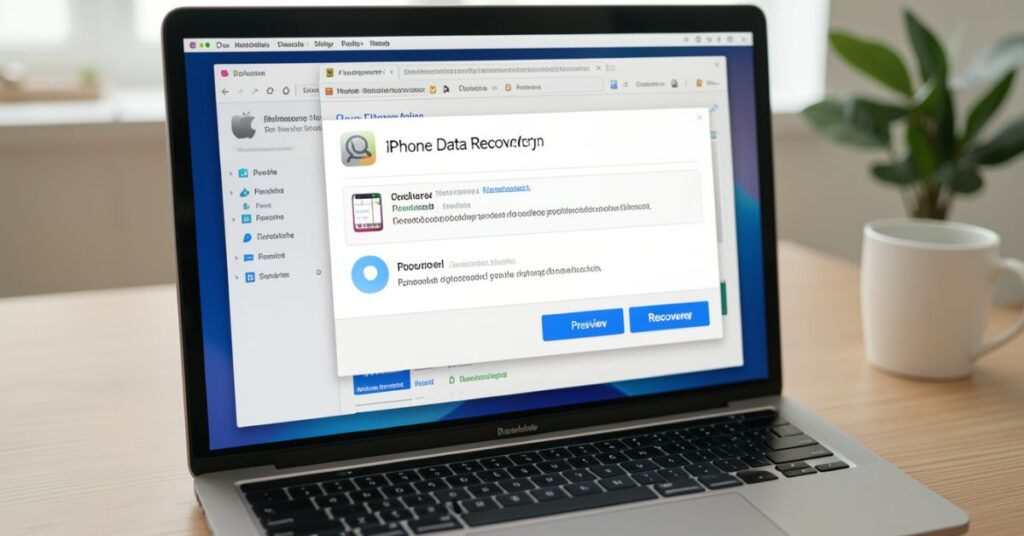
Most users think recovery is complex, but iPhone data restore software follows a simple process.
Basic working process
- Connect the iPhone to the computer
- Launch recovery software
- Select recovery mode
- Start the scanning process
- Preview lost files
- Restore selected data
Recovery methods used
- Direct iPhone scan recovery
- iTunes backup extraction
- iCloud backup recovery
Technology behind recovery
- Deep scan algorithms
- Data fragment detection
- Backup file reading system
These tools search for recoverable data and show results in an easy preview format before restoring.
Key features of iPhone data restore software
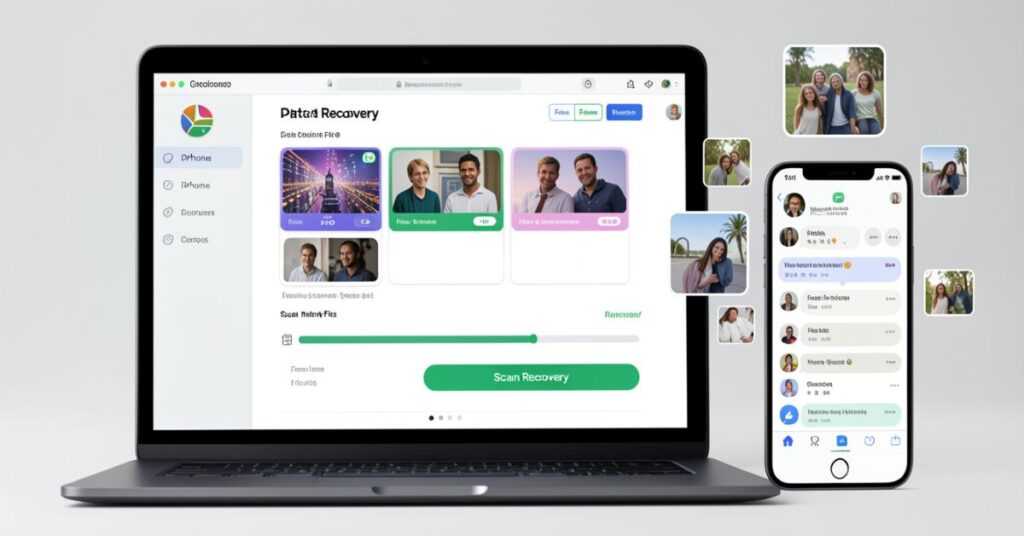
Good iPhone data restore software comes with powerful features that make recovery easier.
Important features
- Deep scanning system
- Selective file recovery
- File preview before restore
- Multi-format support
- Fast recovery speed
Supported file types
- Photos and videos
- Messages and chats
- Contacts and call logs
- App data files
- Notes and reminders
User-friendly design
- Simple dashboard
- One-click recovery
- Easy navigation
These features help beginners recover data without technical skills.
Types of iPhone data restore software
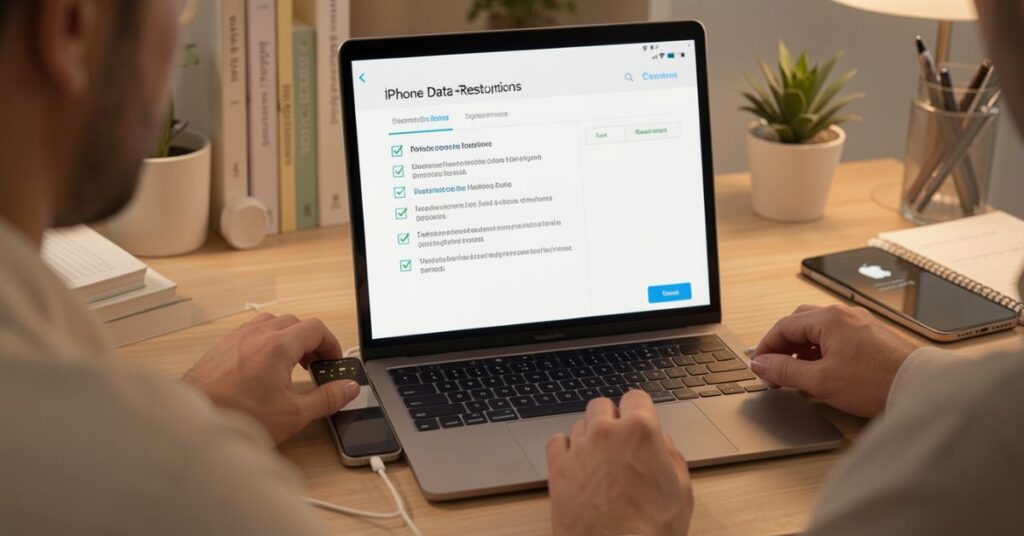
Different types of iPhone data restore software serve different recovery needs.
Common types
- Free recovery tools
- Paid professional tools
- Cloud-based recovery tools
- Desktop software
- Backup extraction tools
Differences between types
- Free tools offer limited recovery
- Paid tools offer deep scanning and high success rate
- Cloud tools recover synced data only
Each type of iPhone data works best in different situations.
Benefits of using iPhone data restore software

iPhone restore software helps users in many ways when data gets lost.
Main benefits
- Restores lost files quickly
- Works without technical knowledge
- Supports multiple data types
- Saves important memories
- Reduces stress after data loss
Practical advantages
- Helps students recover notes
- Helps businesses recover contacts
- Saves personal photos and videos
- Recovers chat history easily
These benefits make iPhone software a must-have tool for iPhone users.
Limitations of iPhone data restore software

Even though tools are powerful, iPhone data restore software has some limits.
Common limitations
- Cannot recover overwritten data
- Some tools require payment
- Deep scan takes time
- Not all files can be fully recovered
Technical limitations
- Strong iOS encryption restricts access
- Factory reset reduces recovery chances
- No full recovery without backups in some cases
Users should understand these limits before relying fully on recovery tools.
How to choose the best iPhone data restore software
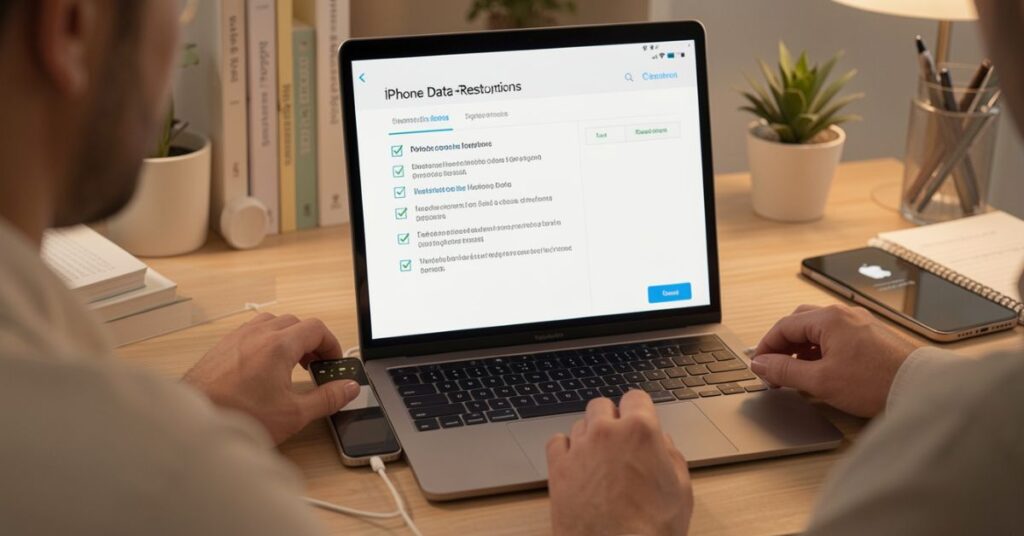
Choosing the right iPhone data restore software increases recovery success.
Important factors
- High recovery success rate
- Support for the latest iOS versions
- Strong user reviews
- Free trial availability
- Data privacy protection
Smart selection tips
- Avoid unknown or cracked tools
- Prefer trusted brands
- Check backup recovery options
- Test the free version first
A good iPhone data restore protects data and improves recovery chances.
Free vs paid iPhone data restore software comparison
Users often compare free and paid tools.
Comparison
| Feature | Free Software | Paid Software |
| Recovery depth | Low | High |
| File types supported | Limited | Full support |
| Speed | Slow | Fast |
| Success rate | Medium | High |
| Customer support | No | Yes |
Key insight
Free tools help in basic recovery. Paid tools deliver professional-level results with better success rates.
Step-by-step guide to using iPhone data restore software
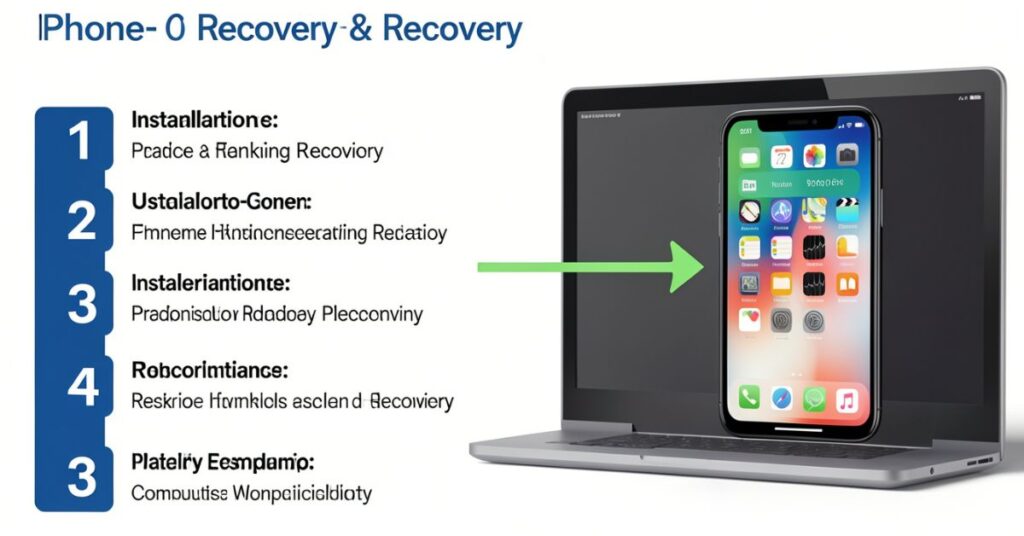
You can use iPhone data software in simple steps.
Recovery process
- Install software on the computer
- Connect the iPhone with the cable
- Choose recovery mode
- Scan the device or backup
- Preview lost data
- Click restore
Best practices
- Stop using the phone after data loss
- Start recovery immediately
- Keep the device charged
- Use the updated software version
Following these steps improves recovery success.
Common causes of iPhone data loss
Understanding causes helps prevent future loss.
Main reasons
- Accidental deletion
- Software update failure
- Factory reset
- Virus or malware attack
Prevention tips
- Use iCloud backup regularly
- Store files in cloud storage
- Avoid unsafe apps
- Keep the system updated
Even with prevention in place, iPhone data software remains a safety backup option.
Future of iPhone data restore software (Detailed Explanation)
The future of iPhone restore will grow very fast because the number of users increases every year, and data loss problems also increase.
Technology companies now focus on making recovery tools smarter, faster, and more secure.
In the coming years, iPhone data software will not only recover data but also predict loss and prevent it before it happens.
AI-Based Smart Recovery in iPhone data restore software
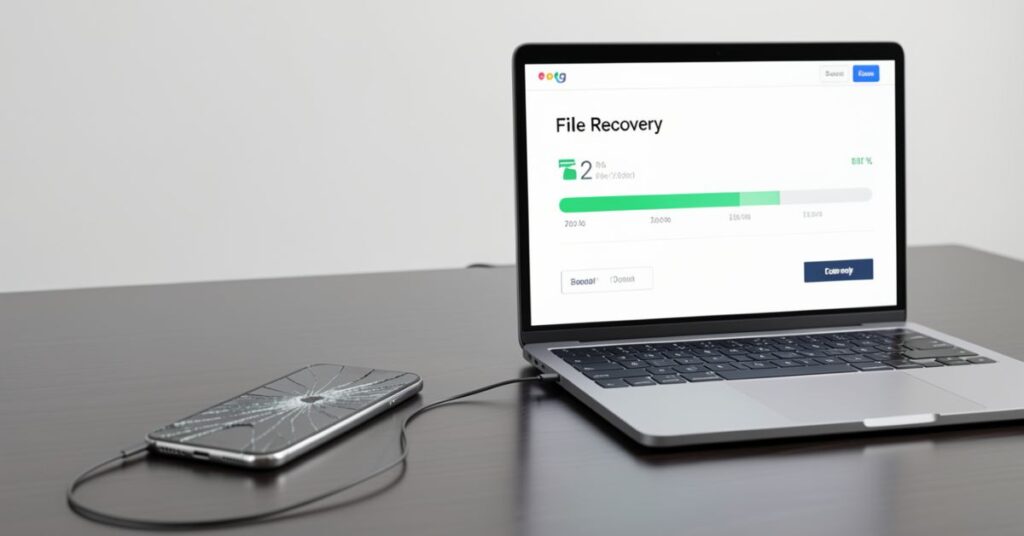
Artificial Intelligence will change how iPhone data restoration works.
How AI will improve recovery
- AI will detect deleted files faster
- It will analyze storage patterns automatically
- It will identify recoverable files with high accuracy
- It will reduce manual steps for users
Smart prediction system
- Software will predict possible data loss
- It will suggest a backup before failure happens
- It will warn users about risky system changes
AI will make iPhone data restore more intelligent and user-friendly. Users will not need deep technical knowledge to recover data.
Faster deep scanning technology
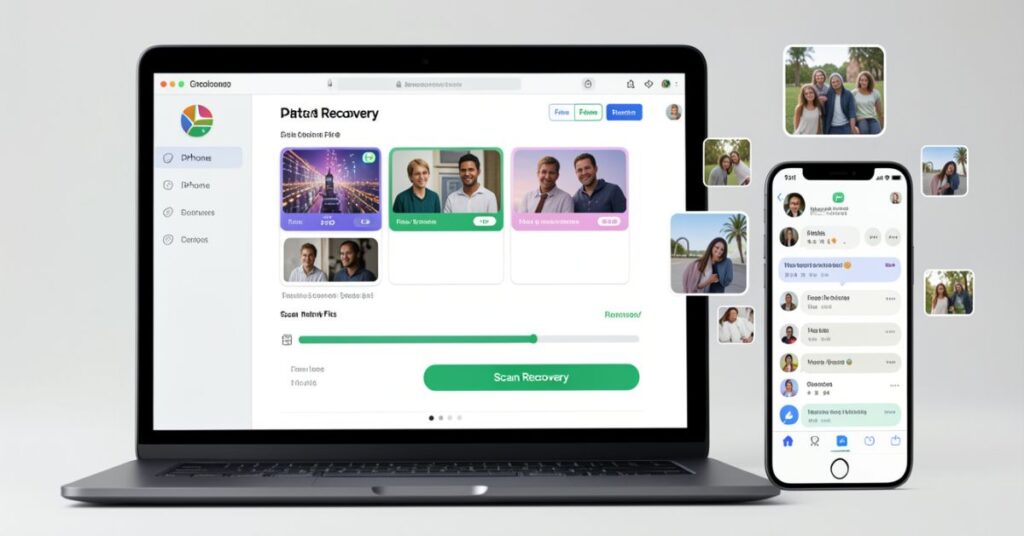
Future iPhone data restore software will focus heavily on speed.
Improvements in scanning
- Ultra-fast deep scan engines
- Real-time file detection
- Parallel processing of storage data
- Reduced scanning time from hours to minutes
Better accuracy
- Software will find hidden files more precisely
- It will reduce false recovery results
- It will increase the success rate of full recovery
Faster scanning will make iPhone data software more efficient for large storage devices.
Cloud-first recovery systems
Cloud technology will play a big role in future iPhone data restoration.
Cloud-based recovery benefits
- Direct recovery from iCloud backups
- No need for physical device connection
- Remote data access from anywhere
- Secure storage of backup files
Hybrid recovery models
- Combination of device + cloud recovery
- Automatic sync with cloud backups
- Instant restore options
Cloud-first systems will make iphone restore software more flexible and accessible.
Automatic backup integration
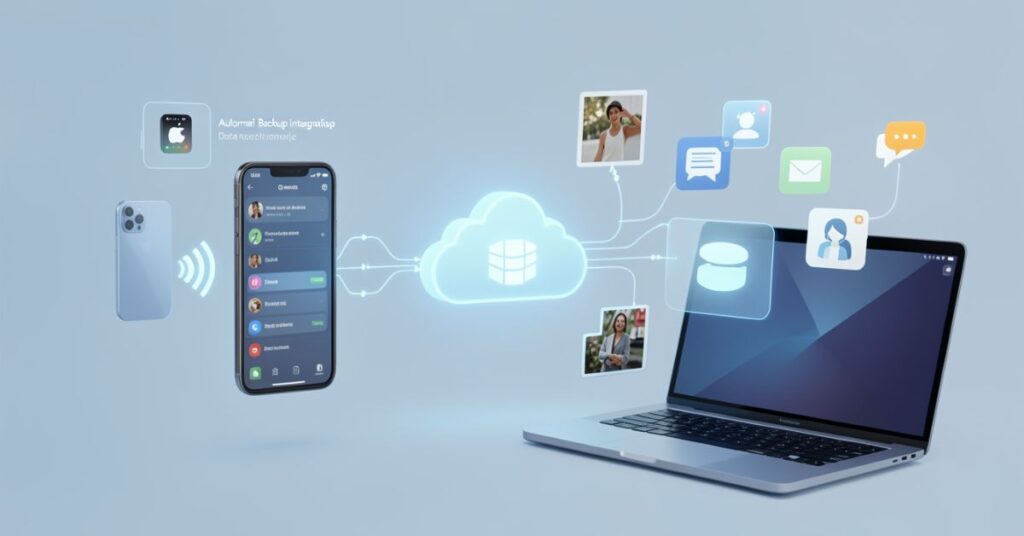
Future tools will automatically connect with backup systems.
Smart backup features
- Auto backup scheduling
- Real-time data sync
- Background backup without user action
- Instant recovery points creation
User convenience
- No manual backup setup required
- Data protection will always stay active
- Less chance of permanent data loss
This feature will make iPhone restore software act like a full protection system, not just a recovery tool.
Expected benefits of future iPhone data restore software

Future upgrades will bring many improvements in performance and user experience.
Higher success rates
- More accurate file recovery
- Better handling of damaged files
Faster recovery time
- Instant scanning results
- Reduced waiting time
- Real-time restore options
Better user experience
- Simple interface with AI guidance
- One-click recovery systems
- Mobile-friendly recovery apps
These benefits will make iPhone restore software more powerful and reliable for everyday users.
Advanced security and privacy protection
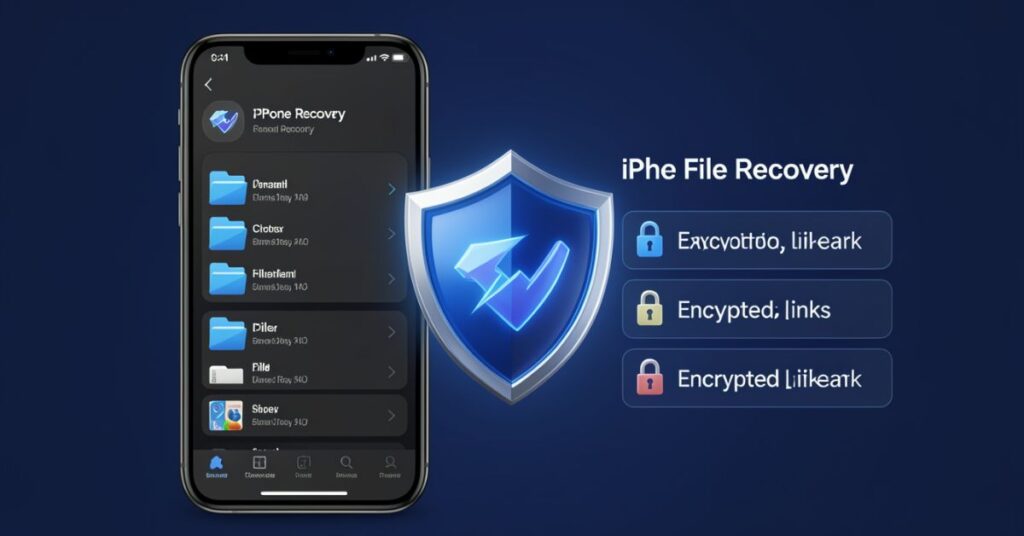
Future iPhone data software will focus strongly on security.
Security improvements
- End-to-end encryption during recovery
- No data sharing with third parties
- Local processing options for privacy
User trust features
- Transparent recovery logs
- Permission-based access
- Secure cloud storage protection
Users will trust iPhone data restore more because it will protect personal data better.
Final future outlook

In the future, iPhone data restore software will become an all-in-one solution. It will not only recover lost data but also prevent data loss using smart systems. AI, cloud computing, and automation will make recovery faster, safer, and easier.
Soon, users will not worry about losing because iPhone data restore will handle everything automatically in the background.
Final Thoughts
iPhone data restore software gives users a strong way to recover lost or deleted iPhone.
It helps in many situations, like accidental deletion, system crash, update failure, or factory reset. Users can restore photos, messages, contacts, and app data with simple steps.
You should always choose trusted iPhone data software because safety matters. Reliable tools protect your data and avoid privacy risks.
Free tools can help in basic recovery, but paid tools usually give better results and higher success rates.
You should also act fast after data loss. When you stop using the phone quickly, recovery chances increase. Deep scan tools work better when new data does not overwrite old files.
In the end, iPhone data software works as a backup solution when normal recovery methods fail. It saves time, protects important memories, and reduces stress for users.
If you use the right tool and follow proper steps, you can recover most of your lost iPhone data successfully.
FAQs
1. What does iPhone data restore do?
It restores deleted or lost data from iPhones using scanning and backup recovery.
2. Can it recover permanently deleted files?
It may recover some files, but overwritten data cannot be restored.
3. Is iphone data restore safe?
Yes, if you iPhoneuse trusted and official software.
4. Do I need technical skills to use it?
No, most tools work with simple steps.
5. Can it recover WhatsApp messages?
Yes, many tools support WhatsApp recovery.
6. Does free software work well?
Free tools offer limited recovery, while paid tools perform better.
Internal Links
- iPhone Data Recovery Software →
https://techcrebia.com/iphone-data-recovery-software/ - Third-Party Data Recovery Software →
https://techcrebia.com/third-party-data-recovery-software/ - SD Card Data Recovery Software →
https://techcrebia.com/sd-card-recovery-software/ - Data Recovery Software →
https://techcrebia.com/data-recovery-software/ - Software Recovery Tools →
https://techcrebia.com/software-recovery-tools/
External Links
- Apple Support – Restore iPhone From Backup → Apple Support
- Apple Support – Restore iPhone Content From Backup → Apple iPhone User Guide