



Quick Answer
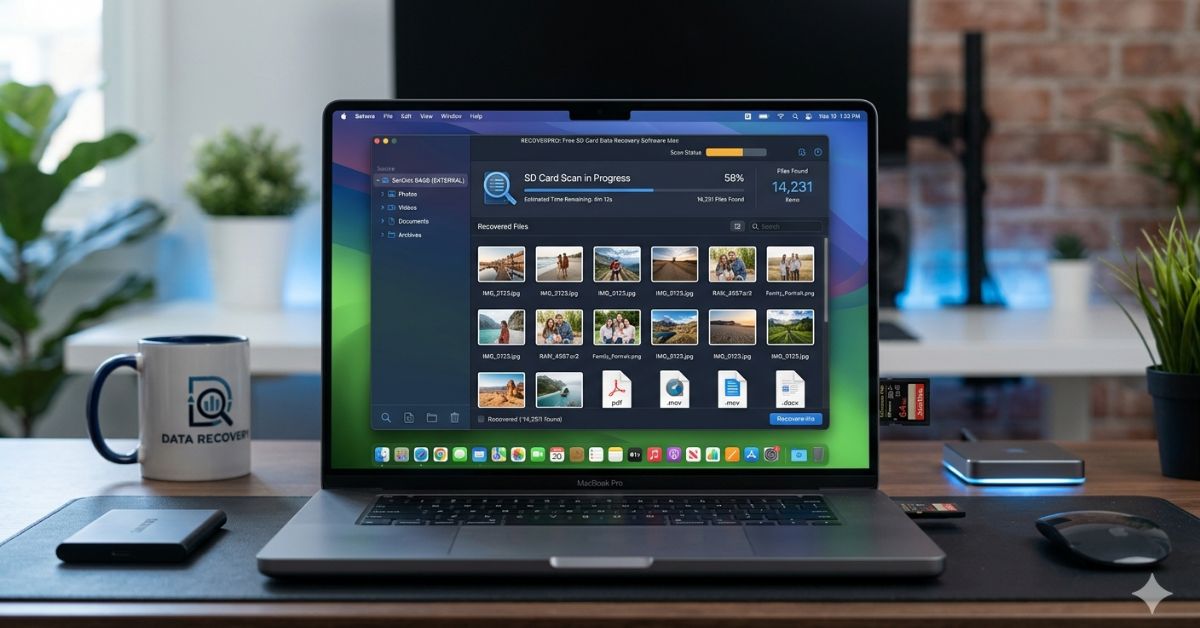
SD card data recovery software for Mac can help recover deleted photos, videos, documents, and other files from readable memory cards.
Popular options include Disk Drill, R-Studio, PhotoRec, and EaseUS.Stop using the card after data loss to reduce the risk of overwriting files. Apple’s Disk Utility can also check and repair some storage errors.
Author Bio
Author: Gulnaz Malik
Gulnaz Malik is a technology writer with 5+ years of experience. She covers software, data recovery, Mac guides, and technology trends.Her goal is to explain technical topics in simple English.
Introduction
SD Card Data Recovery Software for Mac helps users recover lost photos, videos, and files from SD cards on Mac devices.
Many people use SD cards in cameras, phones, and laptops, but they often lose data by mistake. You may delete files, format the card, or face corruption issues during use.
In such situations, SD Card Data Recovery Software plays an important role. It scans the SD card and restores deleted or missing files quickly. Users can recover important data without technical skills, making it a simple and effective solution for data loss problems.
Mac users often face fewer options than Windows users. Still, many powerful tools exist. You can recover photos, videos, documents, and more. Some tools even support damaged or formatted SD cards (DoYourData).
You must act quickly after data loss. If you keep using the SD card, you may overwrite your data. That makes recovery harder.
In this guide, I will explain everything about SD card data recovery software. You will learn how it works, which tools are best, and how to use them.
SD Card Data Recovery Software Mac Overview
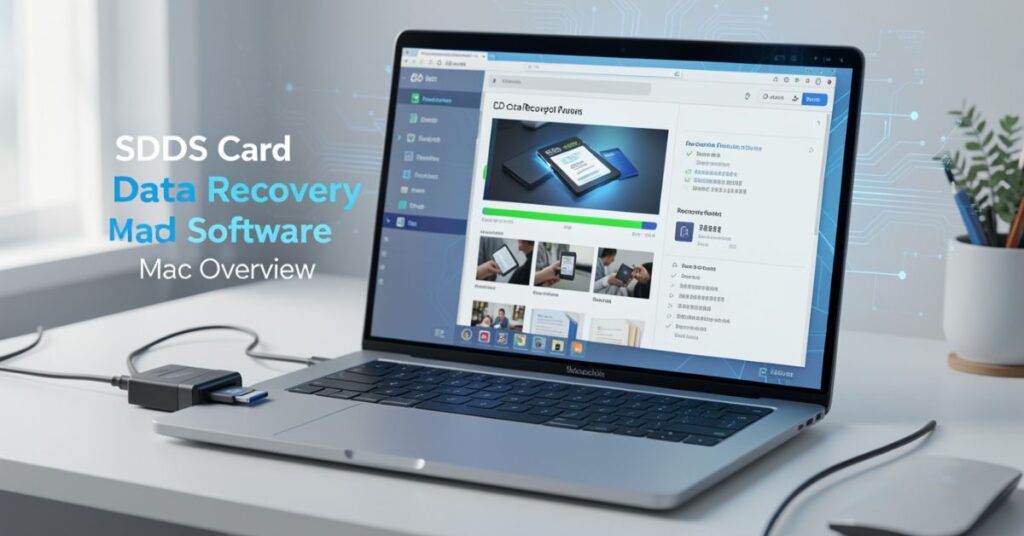
SD card data recovery software helps you recover deleted or lost files from SD cards. These tools scan your card and find hidden data.
When you delete a file, the system does not erase it completely. It only removes its reference. Recovery software finds those files and restores them.
These tools support many file types, like:
- Photos
- Videos
- Documents
- Audio files
- Archives
Many tools also support different SD card brands like SanDisk, Kingston, and Samsung (Mac Data Recovery).
Why do you need SD card data recovery software for Mac
You may lose data for many reasons. Recovery software helps in all these cases.
Common causes of data loss
- Accidental deletion
- SD card formatting
- Virus attack
- File corruption
- Sudden removal of the card
- System crash
Benefits of using
- You recover files quickly
- You avoid expensive recovery services
- You use simple steps
- You recover multiple file types
You can solve most problems at home using these tools.
Best SD Card Data Recovery Software Mac Tools
Top SD card data recovery options
Many tools exist for Mac users. Some are free, while others are paid.
Popular tools include:
- EaseUS Data Recovery Wizard
- Stellar Photo Recovery
- Disk Drill
- PhotoRec
- CardRescue
These tools offer different features. Some provide free recovery limits. Others offer advanced scanning.
Example tool: CardRescue
CardRescue focuses on photo recovery. It helps recover deleted images and videos from SD cards. It also supports formatted or damaged cards (Card Rescue).
Example tool: Do Your Data Recovery
This tool supports all file types. It works with SD cards, USB drives, and hard disks. It uses a simple 3-step recovery process (DoYourData).
Comparison of SD Card Data
| Software Name | Free Version | File Types Supported | Ease of Use | Best For |
| EaseUS | Yes (limited) | All types | Very Easy | Beginners |
| Stellar | Yes (limited) | Photos, videos | Easy | Professionals |
| Disk Drill | Yes (limited) | All types | Easy | Deep recovery |
| PhotoRec | Yes (free) | All types | Medium | Advanced users |
| CardRescue | Trial | Photos, videos | Easy | Photo recovery |
How SD Card Data Recovery Software Works
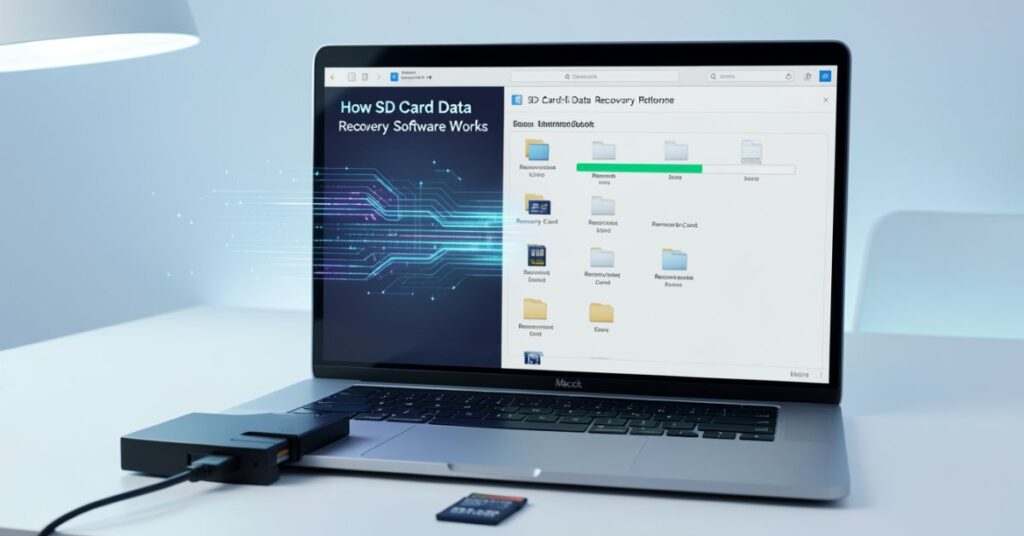
Working process of SD card data recovery
Recovery software follows simple steps. You can complete recovery in minutes.
Step-by-step process
- Connect the SD card to your Mac
- Install recovery software
- Select the SD card
- Start scanning
- Preview files
- Recover selected files
Most tools follow this same process. Some tools offer quick scan and deep scan options.
Key features of SD card data recovery
- Deep scanning
- File preview
- Multiple format support
- Fast recovery
- User-friendly interface
These features help you recover files easily.
How to Use SD Card Data Recovery Software Mac
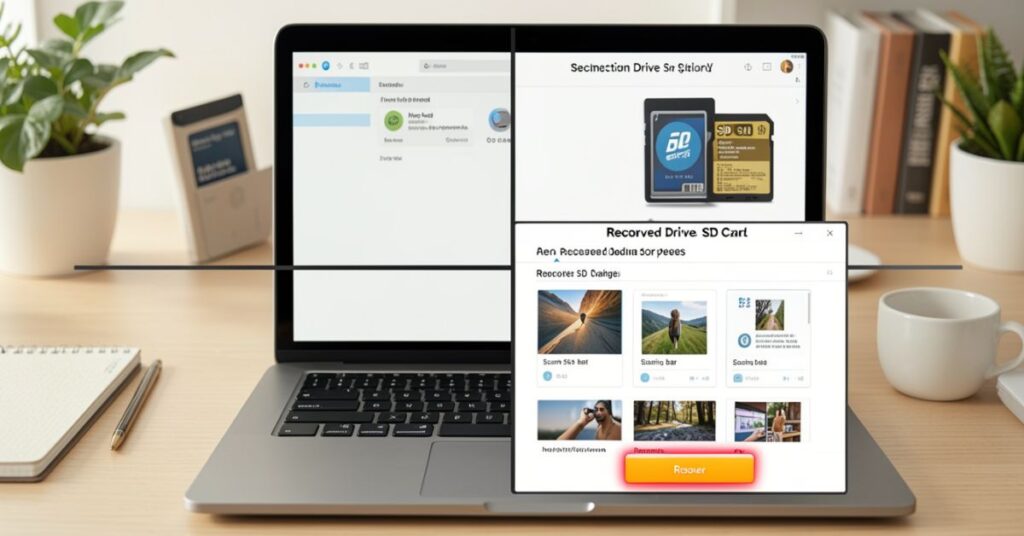
Simple guide to use
You can recover data in just a few steps.
Steps to follow
- Insert the SD card into your Mac
- Open recovery software
- Choose your SD card
- Click scan
- Wait for results
- Select files
- Click recover
You must save recovered files to a different location. This prevents data overwrite (Mac Data Recovery).
Tips for better recovery
- Stop using the SD card immediately
- Avoid saving new files
- Use a deep scan for better results
- Choose trusted software
These tips improve your success rate.
Free vs Paid SD Card Data Recovery Software Mac
Free SD Card Data Recovery Software Mac
You can use free tools to recover small amounts of data from SD cards on a Mac.
Features of free tools
- Limited recovery size
- Basic scanning
- Simple interface
Example: Some tools allow up to 2GB free recovery (Mac Data Recovery).
Paid SD card data recovery software for Mac
Paid tools offer advanced features.
Features of paid tools
- Unlimited recovery
- Deep scanning
- Better success rate
- Customer support
You should choose paid tools for important data.
Common Problems Solved by SD Card Data Recovery Software
Issues handled by
These tools solve many problems.
Common problems include:
- Deleted files
- Formatted SD card
- Corrupted memory card
- Missing files
- Unreadable SD card
Most tools recover data even from damaged cards.
Tips to Prevent Data Loss on SD Card Mac
Protect your data with smart habits
You can avoid data loss by following simple tips.
Prevention tips
- Always eject the SD card safely
- Keep a backup of important files
- Avoid using damaged cards
- Scan for viruses regularly
- Do not remove the card during transfer
These steps reduce the risk of data loss.
Advantages of SD Card Data Recovery Software Mac
Why you should use
These tools offer many benefits.
Key advantages
- Easy to use
- Fast recovery
- Supports many file types
- Saves money
- Works on different devices
You can recover your data without technical help.
Limitations of SD Card Data Recovery Software for Mac
Limits of SD card data recovery
Recovery software has some limits.
Limitations include:
- Cannot recover overwritten data
- The free version has limits
- Deep scan takes time
- Some tools require payment
You must act quickly to get the best results.
Conclusion
SD Card Data Recovery Software for Mac helps users recover lost, deleted, or formatted files from SD cards on devices.
These tools scan the memory card deeply and find hidden or deleted data that still exists on the storage.
Users can recover photos, videos, documents, and other important files in just a few simple steps.
Most software works with an easy interface, so beginners can also use it without technical skills.
This software becomes very useful when users accidentally delete files, format the SD card, or face corruption issues.
It quickly restores data and reduces the risk of permanent loss. Many tools also support different SD card brands and offer quick scan and deep scan options for better recovery results.
FAQs
1. Can I recover deleted files using SD card data recovery software?
Yes, you can recover deleted files easily. Recovery software scans and restores lost data.
2. Is SD card data recovery software safe?
Yes, most tools are safe. You should download software from trusted sources.
3. Can I recover a formatted SD card on a Mac?
Yes, many tools recover formatted SD cards. They scan and restore erased files.
4. Is free SD card data recovery for Mac enough?
Free tools work for small recovery. You need paid tools for large or complex recovery.
5. How long does recovery take?
Recovery time depends on card size and scan type. Deep scan takes longer.
6. Can I recover data from a damaged SD card?
Yes, many tools recover data from damaged or corrupted SD cards.
Internal Links
- SD Card Recovery Software →
https://techcrebia.com/sd-card-recovery-software/ - SD Card Recovery Software Mac →
https://techcrebia.com/sd-recovery-software-mac/ - Data Recovery Software →
https://techcrebia.com/data-recovery-software/ - iPhone Data Recovery Software →
https://techcrebia.com/iphone-data-recovery-software/ - Third-Party Data Recovery Software →
https://techcrebia.com/third-party-data-recovery-software/
External Links
- Apple Disk Utility Guide → Apple Support – Disk Utility
- CleverFiles – Mac Data Recovery Guide → CleverFiles Mac Data Recovery Guide