





Quick Answer
Android deleted text message recovery software can help recover lost SMS, but success depends on backups, device type, and how long ago you deleted the messages.
First, check Google backups or your messaging app’s recovery options. Google backups can include SMS and MMS messages.
If no backup exists, third-party recovery tools may offer additional options, but results arnot guaranteed.
Author Bio
Author: Gulnaz Malik
Gulnaz Malik is a technology writer with 5+ years of experience.
She covers Android, software, data recovery, and technology guides.
Her goal is to explain technical topics in simple English.
Introduction
Missing important SMS messages can create serious problems. Many users delete messages by mistake or lose them after system updates or phone crashes. Fortunately, Android deleted text message recovery helps you restore lost messages quickly.
This guide explains everything in simple language, including tools, methods, risks, and recovery steps. You will also learn how to prevent future data loss.
How Android Message Recovery Restores SMS
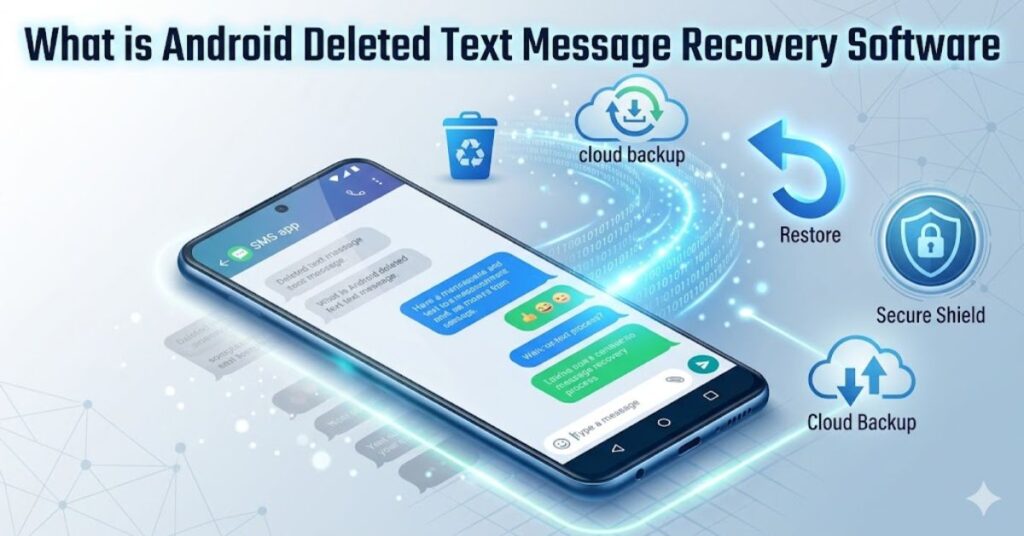
Android deleted text message recovery helps users restore SMS messages that they accidentally delete or lose due to system problems, updates, or phone crashes.
This software scans internal storage, system cache, and backup files to find deleted messages before the system overwrites them. It then rebuilds and restores those messages so users can access them again.
Many users think deleted messages disappear forever, but Android does not erase data instantly.
Instead, it marks storage space as “free,” which recovery tools use to find hidden data fragments. This process makes recovery possible if users act quickly.
Modern Android deleted text message recovery supports many Android brands like Samsung, Xiaomi, Oppo, Vivo, and others.
It also helps recover WhatsApp messages, contacts, call logs, and media files in many cases. Some tools work directly on mobile apps, while others require a PC connection for deep scanning.
Key functions recovery software
- Restores deleted SMS messages from internal storage
- Recovers WhatsApp chats and attachments
- Scans the hidden system cache for lost data
- Restores contacts and call history
- Supports cloud backup recovery (Google Drive, Samsung Cloud)
Why users use recovery software
- Users delete messages by mistake
- Phones crash or reset unexpectedly
- System updates remove or hide data
- Malware or viruses damage storage
- Storage corruption causes data loss
Important concept about recovery
- Android does not delete data instantly
- Deleted messages stay until overwritten
- Recovery success depends on fast action
- New data reduces chances of recovery
- Backup improves recovery performance
Android Message Recovery: Step-by-Step Process
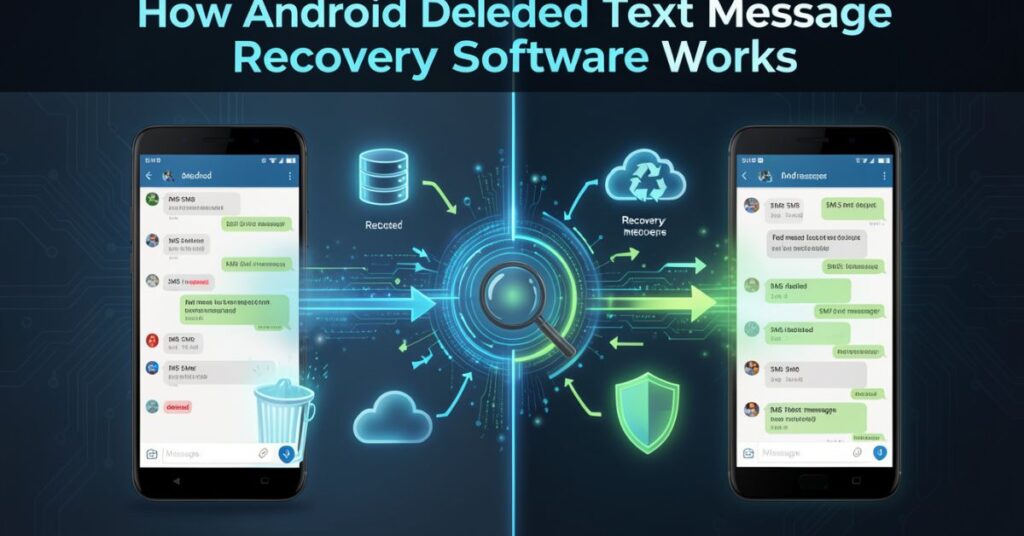
Android deleted text message recovery works by scanning your phone’s storage system in a very detailed way. When you delete a message, Android does not fully erase it. Instead, it marks that space as reusable. Until new data replaces it, recovery tools can still find traces of deleted messages.
These tools use deep scanning technology to search hidden areas of memory. They analyze system files, cache data, and database logs where SMS information may still exist.
After scanning, the software reconstructs readable messages and shows them in a preview list so users can select what they want to recover.
Recovery software also connects with cloud backups if available. It checks Google Drive, Samsung Cloud, or other backup systems to restore older SMS versions. This combination of local scanning and cloud recovery improves success rates.
Steps used by recovery software
- Scans internal phone storage deeply
- Detects deleted message fragments
- Rebuilds readable SMS content
- Shows a preview before recovery
- Restores selected messages safely
Technology behind recovery tools
- Deep data scanning algorithms
- File signature detection systems
- Cache memory analysis tools
- Cloud backup synchronization
- Database reconstruction methods
Factors affecting recovery success
- Time after deletion (faster is better)
- Amount of new data added
- Backup availability
- Phone usage after deletion
- Software quality and depth scan ability
Best Tools for Android Deleted Text Message Recovery
Many tools help recover lost messages. Below are popular and trusted options.
Popular recovery software list
- Dr.Fone – Android Data Recovery
- DroidKit
- EaseUS MobiSaver
- FonePaw Android Data Recovery
- Tenorshare UltData for Android
These tools help recover SMS, photos, videos, and WhatsApp data.
Comparison Table of Recovery
| Feature | DroidKit | EaseUS MobiSaver | FonePaw Android Data Recovery |
| SMS Recovery | Yes | Yes | Yes |
| WhatsApp Recovery | Yes | Limited | Yes |
| Root Required | No | Sometimes | Sometimes |
| Ease of Use | Very Easy | Easy | Medium |
| Deep Scan | Yes | Yes | Yes |
Free Ways to Recover Deleted Android SMS
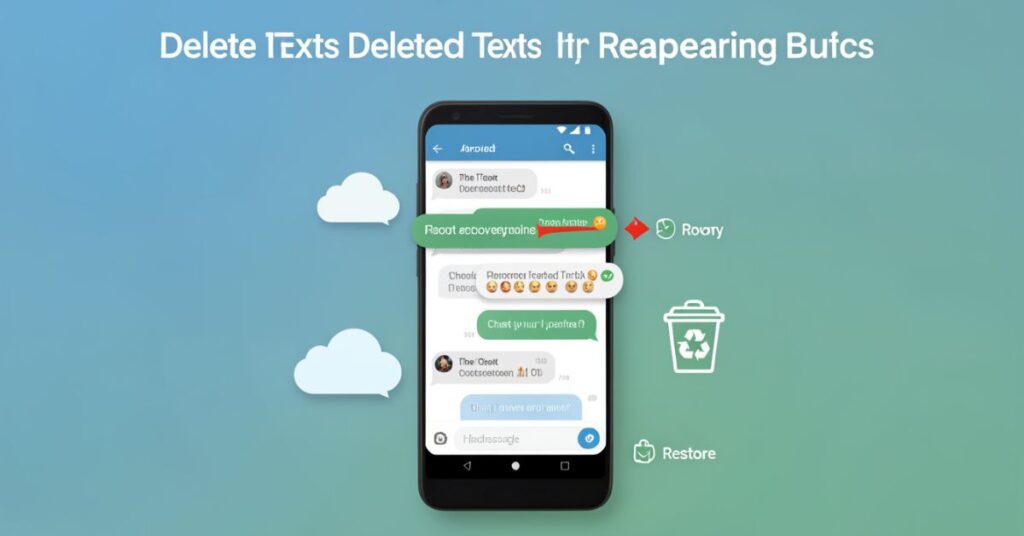
Not every recovery needs paid software. You can try free methods first.
Built-in recovery options
- Check Google Messages Trash (if available)
- Restore from Google Backup
- Check archived messages
- Use Samsung Cloud (Samsung users)
Google backup method
- Go to Settings
- Open Google Backup
- Restore SMS during setup
Limitations
- Backup must exist before deletion
- New backup may overwrite old data
- Not all devices support SMS backup
Paid vs Free Recovery Software
| Type | Advantages | Disadvantages |
| Free Methods | No cost, easy access | Limited recovery success |
| Paid Software | High recovery rate, deep scan | Requires purchase |
| Cloud Backup | Safe & automatic | Needs prior setup |
How to Use Android SMS Recovery Effectively
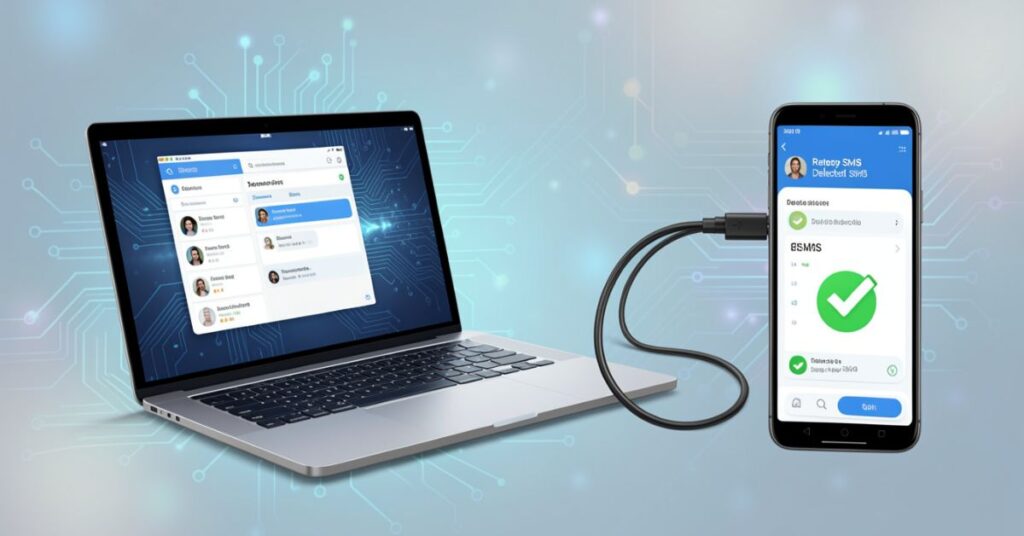
You can follow general steps for most tools:
Step-by-step process
- Install recovery software on PC
- Connect the Android phone via USB
- Enable USB debugging
- Start scan for deleted messages
- Preview recovered SMS
- Save or restore messages
Best practice tips
- Stop using the phone immediately after deletion
- Use the original USB cable
- Keep battery above 50%
- Always scan internal storage first
Hidden Risks of Android Deleted Message Recovery Apps
Even though recovery tools help, they also have risks.
Common risks
- Data overwrite risk
- Partial recovery only
- Malware in fake apps
- Privacy concerns
How to stay safe
- Download software from official websites
- Avoid unknown APK files
- Use trusted brands only
- Read user reviews before installation
Prevention Tips for Message Loss
Instead of recovery, prevention works better.
Smart habits
- Turn on Google backup
- Export SMS regularly
- Use cloud storage apps
- Avoid accidental deletions
- Use the archive feature instead of deleting
FAQs
Does Android Text Message Restore All Deleted Messages?
No, recovery depends on whether new data overwrote deleted messages.
2. Is Android deleted text message recovery safe?
Yes, if you use trusted tools like DroidKit or EaseUS.
3. Can I recover messages without root?
Yes, many modern tools work without root access.
4. Does Google backup restore deleted SMS?
Yes, but only if a backup was created before deletion.
5. What is the best Android text message recovery?
Tools like DroidKit, EaseUS MobiSaver, and FonePaw work well.
6. Can I recover WhatsApp messages, too?
Yes, most recovery tools support WhatsApp chats and media.
Final Thoughts
Android deleted text message gives users a practical way to restore lost SMS messages when they delete them by mistake or lose them due to system problems.
This software works by scanning hidden storage areas, system cache, and available backups to find message data that still exists but no longer appears on the screen.
It helps users recover important conversations, business details, or personal information that may otherwise seem permanently lost.
However, users should understand that recovery success is not guaranteed in every situation.
The outcome depends heavily on timing, phone activity after deletion, and whether the device has overwritten old data with new files.
When users act quickly after deleting messages, they improve their chances of recovery significantly.
Android systems do not erase data instantly, but they allow new data to replace old storage space.
If users continue using their phone normally, install apps, download files, or receive new messages, the system may overwrite deleted SMS data.
Once overwriting happens, recovery software cannot restore those messages. That is why experts always recommend stopping phone usage immediately after accidental deletion and starting the recovery process as soon as possible.
Internal Links
- Android Data Recovery Software →
https://techcrebia.com/android-data-recovery-software/ - Data Recovery Software →
https://techcrebia.com/data-recovery-software/ - Third-Party Data Recovery Software →
https://techcrebia.com/third-party-data-recovery-software/ - iPhone Data Recovery Software →
https://techcrebia.com/iphone-data-recovery-software/ - SD Card Data Recovery Software →
https://techcrebia.com/sd-card-recovery-software/
External Links
- Google Android Help – Backup & Restore → Google Android Help
- Google Messages Help – Backup & Restore → Google Messages Help