


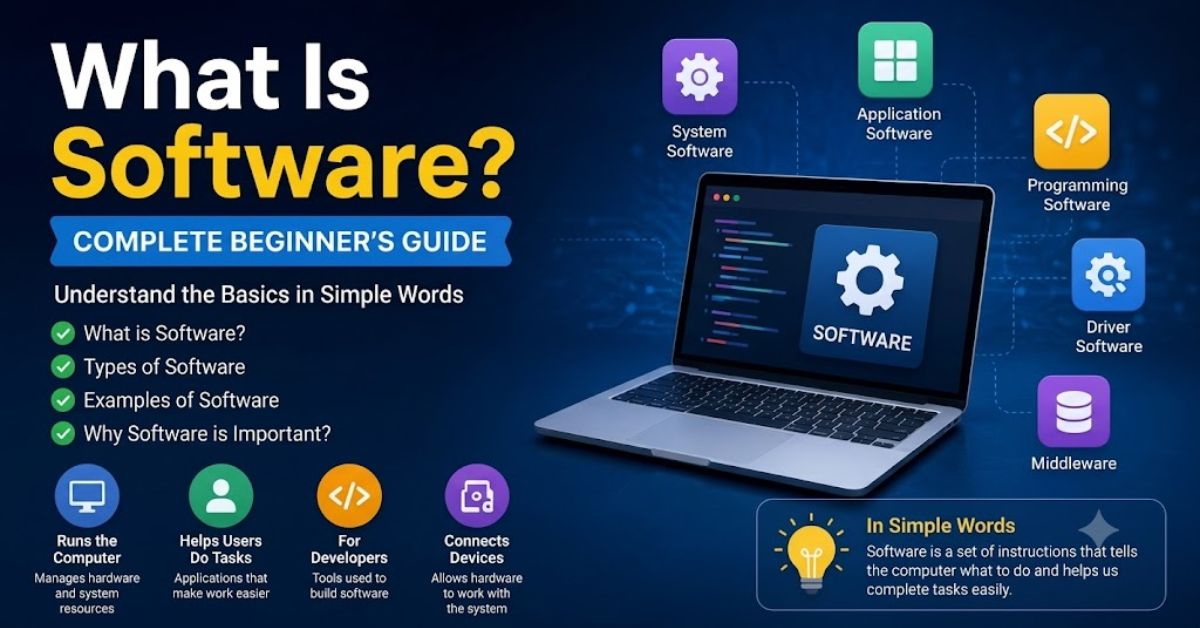
Software is a set of instructions that tells a computer, mobile phone, tablet, or other digital device what to do. People cannot touch software because it is not a physical part of a device. Software works inside the hardware and helps devices perform different tasks.
When you open a web browser, play a game, edit a photo, or write a document, it performs those actions. Without hardware, a computer cannot complete any useful task. Hardware provides the physical components, while provides the instructions. Both work together to make a device function properly.
People use digital tools every day without realizing it. Mobile apps, operating systems, web browsers, media players, and office programs are common examples. Modern businesses, schools, hospitals, and governments depend on these technologies for daily operations.
Their importance continues to grow because technology now supports almost every part of life. From communication and education to banking and entertainment, these tools help people complete tasks faster and more efficiently.
What Is Software and How Does It Work?
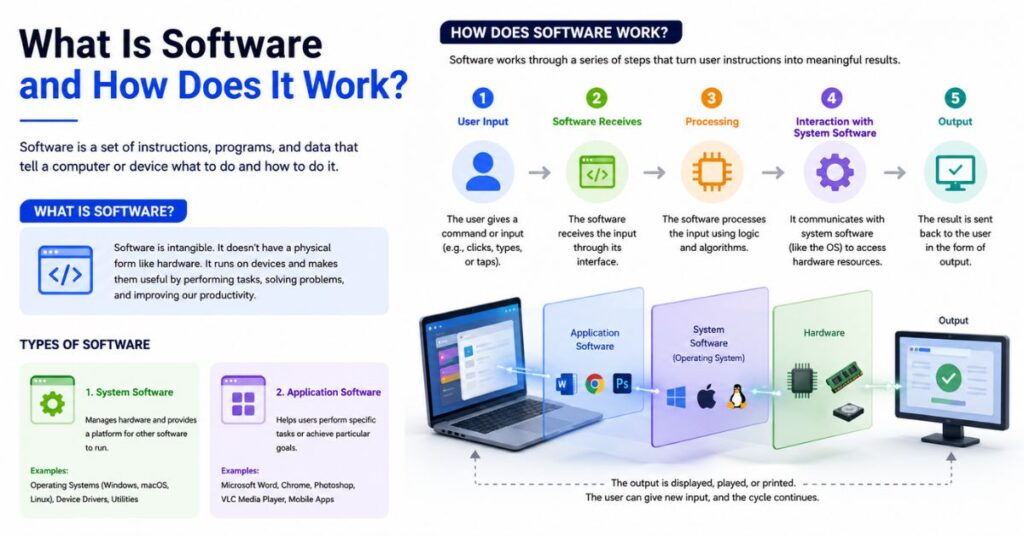
Software works by providing instructions that a computer’s hardware follows. These instructions tell the processor, memory, storage, and other hardware components how to perform specific tasks. A program contains code written by programmers. The computer reads this code and converts it into actions.
For example, when someone opens a calculator app and enters numbers, the app processes the input and displays the result. The user sees a simple interface, but it performs many operations behind the scenes.
Software works through a combination of programs, data, and instructions. The operating system loads them into memory. The processor then executes the instructions one by one. This process happens within seconds.
Helps users:
- Open files
- Browse websites
- Watch videos
- Play games
- Send emails
- Create documents
- Manage business tasks
- Store information
Every action on a digital device depends on it. Even simple tasks like adjusting volume or changing screen brightness require support.
Main Functions
- Controls computer operations
- Processes user commands
- Manages data
- Connects hardware and users
- Runs applications
- Improves productivity
- Automates tasks
What Is Software and Why Is It Important?
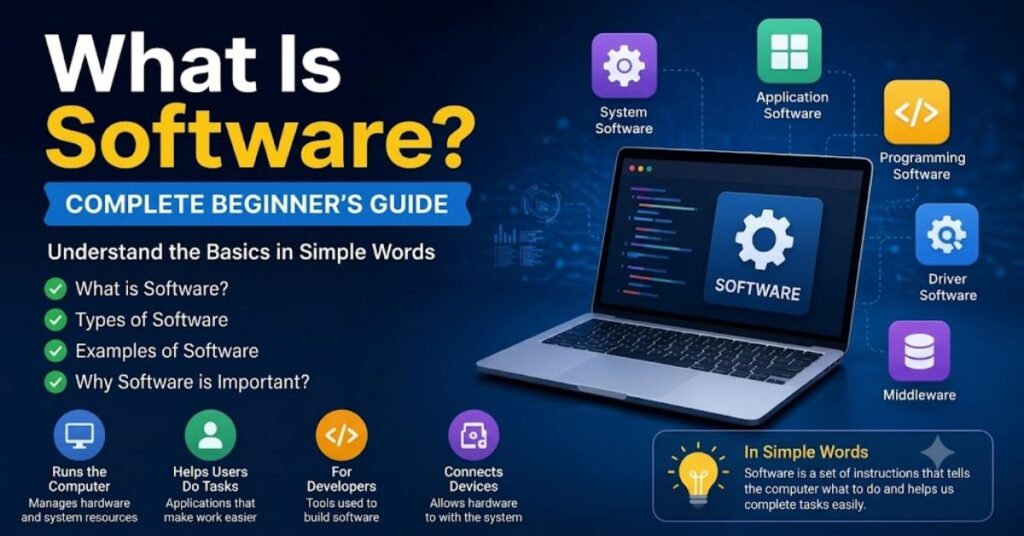
Software plays a major role in modern technology. It helps people perform tasks quickly and accurately. Without it, devices would remain inactive because hardware needs instructions to operate.
Businesses manage customers, inventory, sales, and finances through digital tools. Schools support online learning and student management through modern technology. Hospitals maintain patient records and support medical procedures with advanced computer systems.
Modern technology saves time and reduces manual work. Many tasks that once required hours now take only a few minutes because automation handles the process.
Its importance continues to grow because digital technology supports most industries. Companies invest heavily in development and innovation to improve efficiency and enhance customer experiences.
Benefits
- Increases productivity
- Saves time
- Reduces human errors
- Improves communication
- Supports business growth
- Stores large amounts of data
- Provides entertainment
- Enhances learning
Industries That Depend
- Healthcare
- Education
- Banking
- Retail
- Manufacturing
- Transportation
- Government
- Entertainment
Types of Software
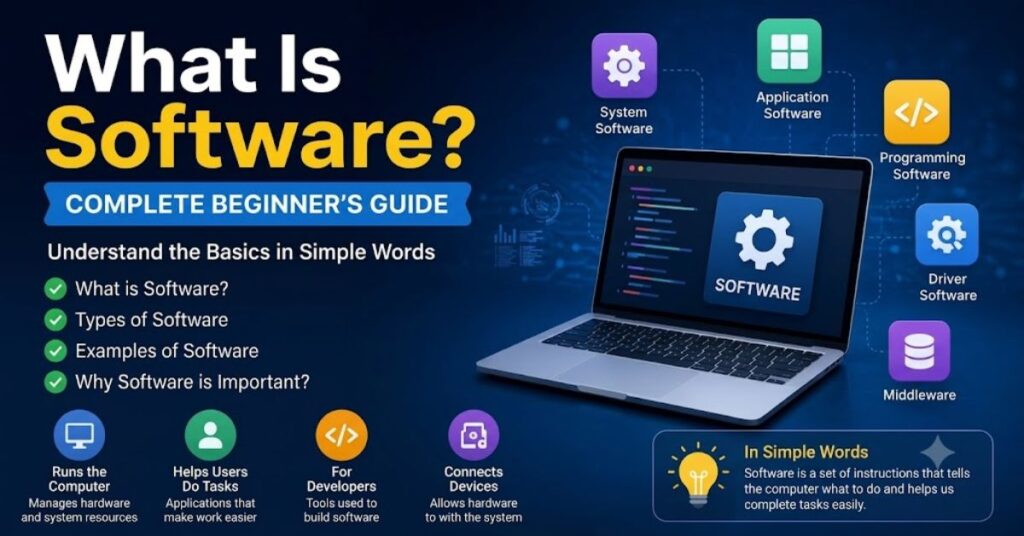
It exists in different forms. Each type serves a specific purpose. Experts generally divide it into several categories.
| Software Type | Purpose |
| System Software | Runs and manages hardware |
| Application Software | Helps users perform tasks |
| Programming Software | Helps developers create programs |
| Driver Software | Controls hardware devices |
| Middleware | Connects different software systems |
Understanding these types helps users learn how computers function.
Types of Examples
- Windows
- macOS
- Linux
- Microsoft Word
- Google Chrome
- Adobe Photoshop
- Visual Studio Code
- Device Drivers
Each type performs a unique role inside a computer system.
What Is System Software?
Computer management tools control the computer and its hardware. They create an environment where applications can run smoothly. Users rarely interact directly with them because they operate in the background.
The operating system represents the most common example. Windows, macOS, Android, and Linux all belong to this category.
It controls memory, storage, processing power, and connected devices. It also manages security and resource allocation.
Without this, applications cannot function correctly. Every computer requires it to start and operate properly.
Examples of System
- Microsoft Windows
- macOS
- Linux
- Android
- iOS
- Firmware
- Utility Programs
Functions of System
- Manages hardware
- Controls memory
- Handles storage
- Runs applications
- Provides security
- Supports multitasking
What Is Application Software?
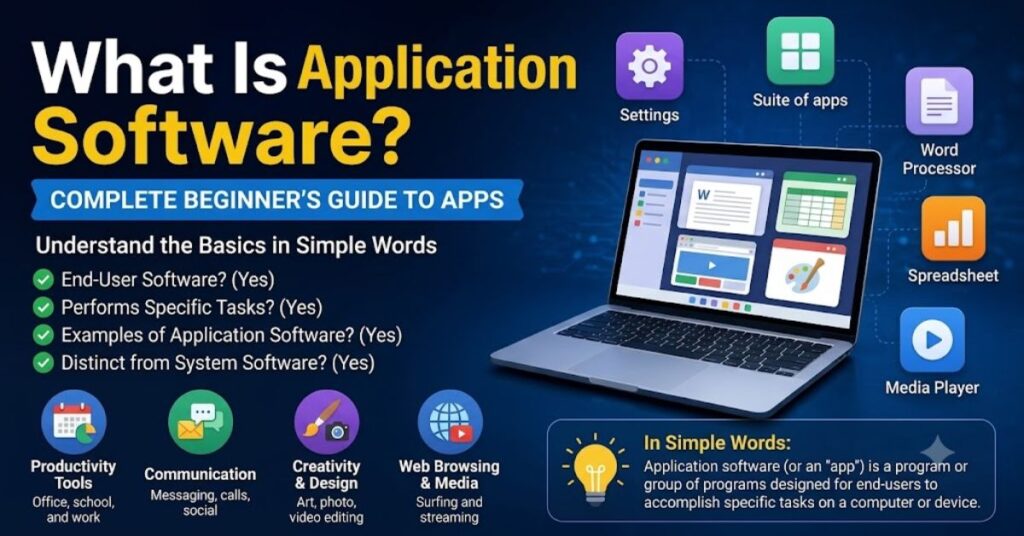
This type of program helps users complete specific tasks. Unlike system-level programs, it focuses on user needs. People interact with these programs every day.
For example, Microsoft Word helps users create documents. Google Chrome helps users browse websites. Adobe Photoshop helps users edit images.
Applications exist for personal, educational, and business purposes. Developers create different applications for different industries.
Today, millions of applications are available across computers, smartphones, and tablets.
Examples of Application
- Microsoft Word
- Microsoft Excel
- Google Chrome
- Mozilla Firefox
- Zoom
- Adobe Photoshop
- VLC Media Player
Uses of Application
- Writing documents
- Editing photos
- Watching videos
- Managing finances
- Communication
- Learning online
- Gaming
What Is Programming Software?
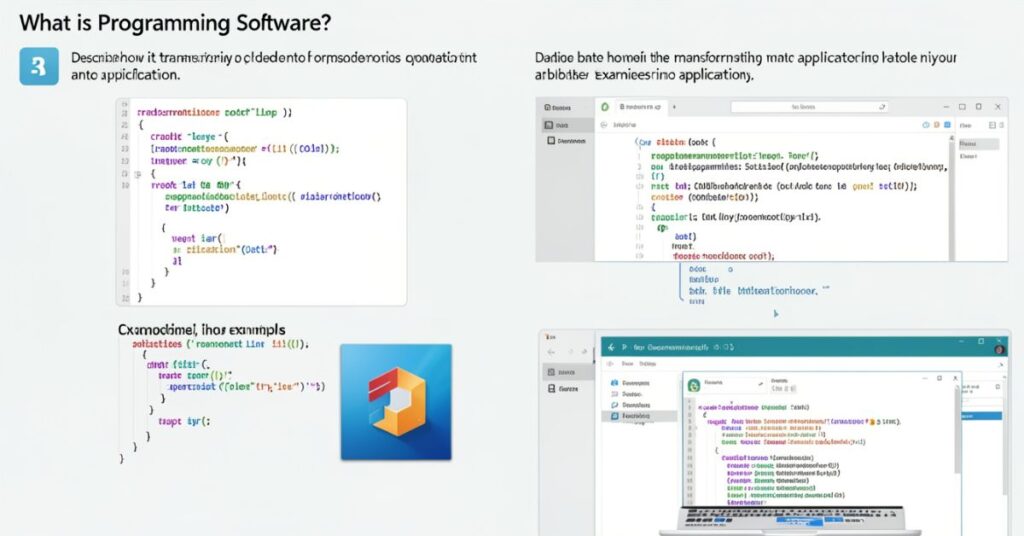
Development tools help developers create other software. Programmers use these tools to write, test, and improve code.
Without these tools, development would become difficult. They help programmers find mistakes and build reliable applications.
These tools support different programming languages such as Python, Java, C++, and JavaScript.
Developers spend many hours using them to build websites, mobile applications, games, and business systems.
Examples of Programming
- Visual Studio Code
- PyCharm
- Eclipse
- IntelliJ IDEA
- Sublime Text
- NetBeans
Functions of Programming
- Writing code
- Testing applications
- Debugging errors
- Managing projects
- Building software
- Improving performance
What Is Driver Software?
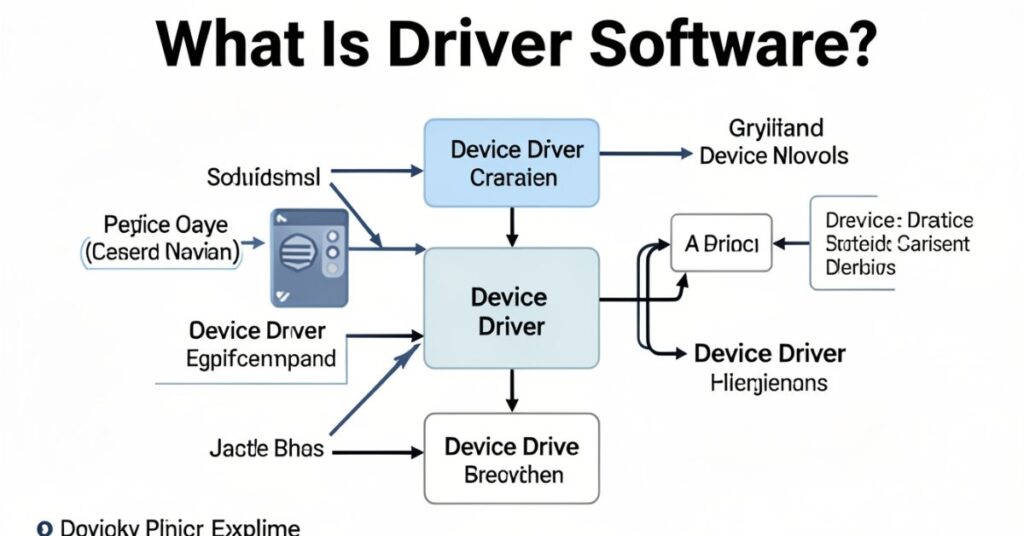
Drivers help the operating system communicate with hardware devices. Every connected device needs drivers to work correctly.
For example, printers, keyboards, webcams, graphics cards, and speakers require drivers. The driver acts as a translator between the operating system and the hardware.
When users install a new printer, they often install the driver as well. Without the correct driver, the device may not function properly.
Driver improves compatibility and performance.
Examples of Driver
- Printer Drivers
- Graphics Drivers
- Audio Drivers
- Webcam Drivers
- Network Drivers
Benefits of Driver
- Improves hardware performance
- Enables device communication
- Supports compatibility
- Fixes hardware issues
What Is Open Source?
Open source allows users to view, modify, and share the source code. Developers around the world contribute improvements and updates.
Many organizations prefer open source because it reduces costs and encourages innovation. Communities often maintain these projects.
Open source gives users more control compared to proprietary software.
Many successful technologies use open source development models.
Examples of Open Source
- Linux
- LibreOffice
- GIMP
- Blender
- WordPress
Advantages of Open Source
- Free to use
- Flexible
- Community support
- Frequent improvements
- Better customization
What Is Proprietary Software?
Proprietary software belongs to a company or individual. The owner controls the source code and distribution rights. Users usually purchase a license to use the software.
Many popular applications follow this model. Companies protect their intellectual property and provide official support.
Proprietary often includes professional customer service and regular updates.
Businesses frequently choose proprietary because of dedicated support and advanced features.
Examples of Proprietary
- Microsoft Office
- Adobe Photoshop
- AutoCAD
- Windows
- Final Cut Pro
Benefits of Proprietary
- Professional support
- Regular updates
- Strong security
- Reliable performance
Difference Between Hardware
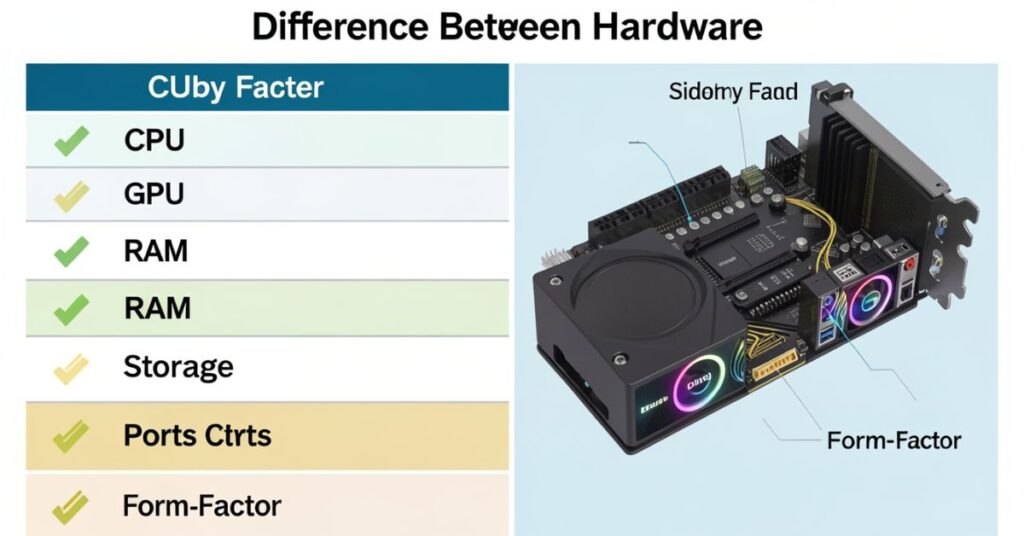
Many beginners confuse hardware and software. Both work together, but they differ significantly.
Hardware refers to physical components that users can touch. Software refers to instructions and programs that run on the hardware.
The computer needs both components to function properly.
| Hardware | Software |
| Physical components | Digital instructions |
| Can be touched | Cannot be touched |
| Includes CPU and keyboard | Includes apps and operating systems |
| Wears out physically | Requires updates |
| Manufactured | Developed through coding |
Hardware Examples
- Monitor
- Keyboard
- Mouse
- CPU
- Hard Drive
Examples
- Windows
- Chrome
- Photoshop
- Microsoft Word
- Zoom
Common Examples
People use it throughout the day. Many common activities depend on software.
Examples include:
- Browsing websites
- Sending emails
- Watching movies
- Playing games
- Online shopping
- Video calls
- Social media
Popular programs include:
| Software | Purpose |
| Google Chrome | Web browsing |
| Microsoft Word | Document creation |
| Zoom | Video meetings |
| Spotify | Music streaming |
| Messaging | |
| Photoshop | Image editing |
These applications help millions of people daily.
Future of Software
Technology continues to evolve rapidly. New innovations create new opportunities for development. Artificial intelligence, cloud computing, automation, and cybersecurity now influence digital solutions and application design.
Businesses increasingly use cloud-based services because they offer flexibility and lower costs. Software as a Service (SaaS) has become very popular.
Developers continue creating smarter applications that improve productivity and user experiences.
The future will likely become faster, safer, and more intelligent.
Future Trends
- Artificial Intelligence
- Cloud Computing
- Machine Learning
- Cybersecurity
- Automation
- Internet of Things (IoT)
Conclusion
Software is a collection of instructions that tells a computer what to do. It powers computers, smartphones, tablets, and many other digital devices. Software helps users perform tasks, communicate, learn, work, and enjoy entertainment.
Different types serve different purposes. Operating systems manage hardware, applications help users complete tasks, development tools support programmers, and drivers connect hardware devices.
Modern life depends heavily on digital technology. As technology continues to grow, these tools and applications will become even more important in every industry.
FAQs
What is software in simple words?
Software is a set of instructions that tells a computer or device how to perform tasks.
What are the main types of software?
The main types include operating systems, applications, development tools, device drivers, and middleware.
What is the difference between software and hardware?
Hardware refers to physical parts of a computer, while software refers to programs and instructions that run on the hardware.
Is Microsoft Word software?
Yes. Microsoft Word is application software that helps users create and edit documents.
Why is software important?
Software helps devices perform useful tasks, improves productivity, saves time, and supports communication and learning.
Can a computer work without software?
No. A computer needs to control hardware and perform tasks.
What is an example of system software?
Windows, macOS, Linux, Android, and iOS are common examples of systems.