





Quick Answer
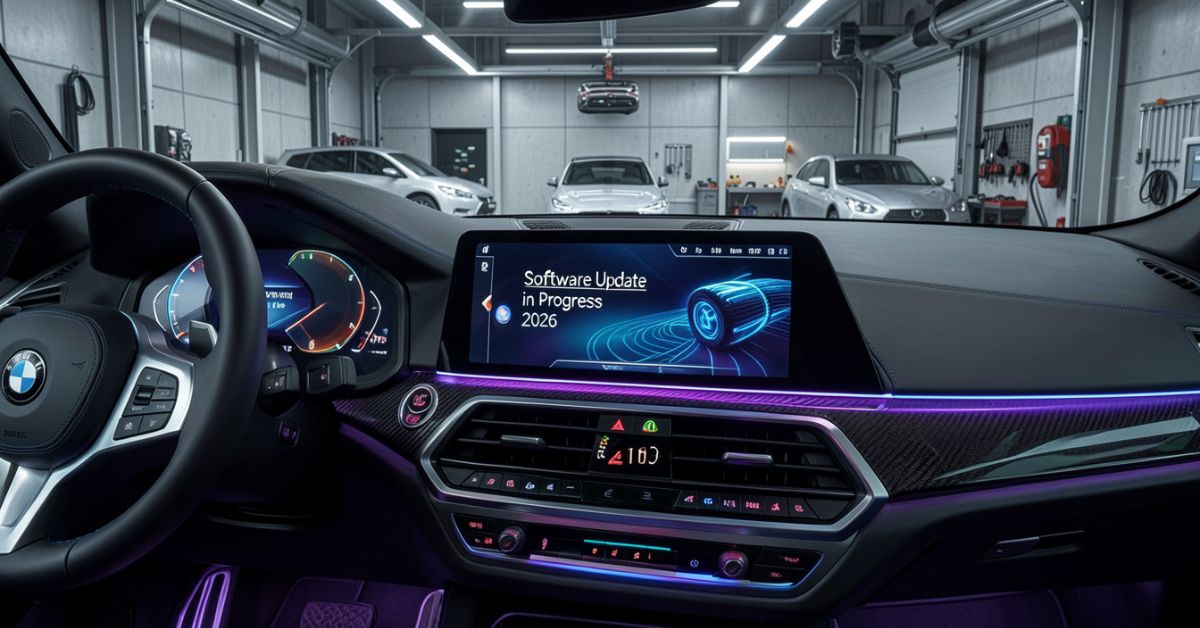
BMW software updates can improve vehicle functions, fix software issues, enhance connectivity, and add new features.
Compatible BMW models can receive Remote Software Upgrades through the My BMW App or directly through the vehicle.
BMW says installation can take around 20 minutes, and the vehicle must remain safely parked during installation.
Update availability depends on the BMW model, equipment, and operating system.
About the Author
Author: Gulnaz Malik
Role: Technology Writer & Software Guide Expert
Experience: 5+ Years in Technology, Software, and Digital Devices
Gulnaz Malik creates simple and practical technology guides for everyday users. With more than five years of experience covering software, devices, vehicle technology, and digital tools, Gulnaz explains technical topics in clear and easy-to-understand language.
Introduction
Modern BMW cars depend on advanced software systems. A BMW software update improves performance, safety, navigation, and infotainment features. BMW releases updates to keep vehicles smart, secure, and connected.
This guide explains everything in simple language. You will learn how updates work, why they matter, and how you can install them easily.
What is BMW Software Update, and its meaning?

A BMW software update upgrades the digital system inside your car. BMW uses software to control many functions like navigation, entertainment, engine settings, driver assistance, and safety systems.
BMW releases updates to fix bugs, improve performance, and add new features. These updates also help your car stay compatible with new mobile phones and apps.
Modern BMW cars use a system called iDrive. The BMW software improves iDrive performance and makes it faster and smoother. It also updates maps, voice commands, and display settings.
BMW pushes updates in two ways:
- Over-the-air updates (OTA)
- USB or dealer updates
Over-the-air updates allow you to download and install software directly from your car’s internet connection. This method saves time and makes the process simple.
A BMW update also protects your car from security risks. Hackers often target connected systems, so BMW strengthens security with each update.
In short, BMW software updates keep your vehicle modern, safe, and efficient without needing hardware changes.
Importance of BMW Software Update and why it matters

A BMW software update plays a major role in improving your driving experience. It does more than just fix small issues. It enhances the entire car system.
BMW focuses on continuous improvement. Each update adds value to your vehicle even after purchase.
Here are the main reasons why BMW software updates matter:
Better Performance
BMW improves engine response and system speed through updates. Your car responds faster and feels smoother while driving.
Enhanced Safety
BMW adds new safety features and improves existing ones. Driver assistance systems become more accurate after updates.
Improved Infotainment
The iDrive system gets better graphics, faster loading, and more features. You enjoy smoother navigation and media control.
Bug Fixes
Software issues can affect performance. BMW fixes these problems through regular updates.
New Features
BMW sometimes adds new functions like voice control upgrades, new apps, or better connectivity options.
Better Compatibility
Your car stays compatible with new smartphones, Bluetooth devices, and apps.
Security Improvements
BMW protects your vehicle from cyber threats by updating security protocols.
A BMW software keeps your vehicle modern without buying a new model. It increases car value and improves long-term usability.
Types of BMW Software Update and their different types
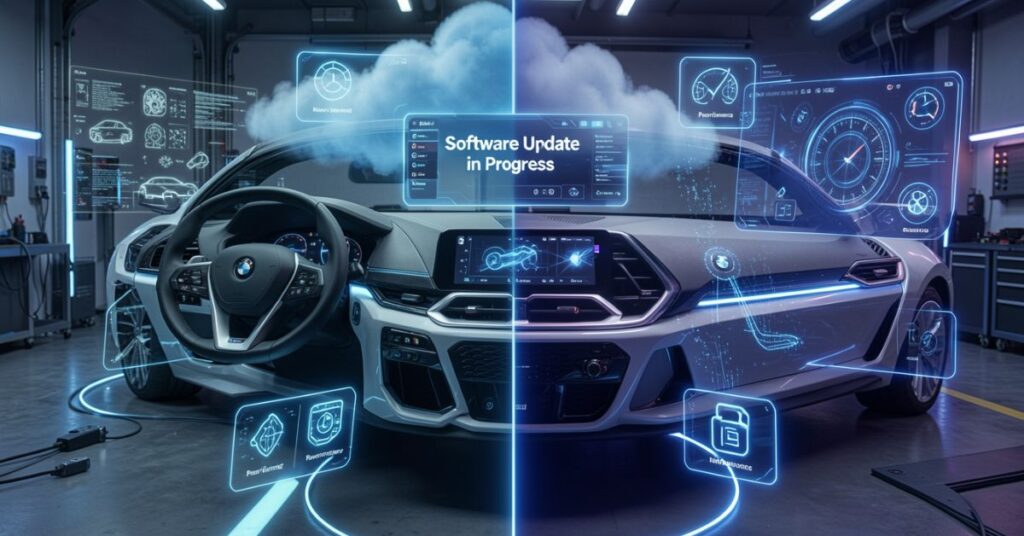
BMW provides different update types depending on your car model and system version. Each BMW software update type serves a specific purpose.
Over-the-Air (OTA) Update
BMW sends updates directly to your car through the internet.
- No need to visit the service center
- Easy installation
- Requires a stable internet connection
USB Update
You download software on a USB drive and install it in your car.
- Works offline
- Requires manual steps
- Often used for older BMW models
Dealer Update
BMW service centers install updates using professional tools.
- Best for complex updates
- Recommended for major system upgrades
- Ensures full system check
Map Update
BMW updates navigation maps separately.
- Adds new roads
- Improves GPS accuracy
- Updates traffic data
Feature Update
BMW adds new features like an improved voice assistant or interface upgrades.
Each BMW software type improves a different part of your car’s system.
How BMW Software Update and system processes work

A BMW software update follows a structured process. BMW designs it to make updates safe and smooth.
Step 1: Update Notification
Your car displays a notification when a new update is available.
Step 2: Download Process
The system downloads update files using Wi-Fi or mobile data.
Step 3: Verification
The car checks file security before installation.
Step 4: Installation
The system installs updates while the car is parked.
Step 5: Restart System
The car restarts and applies new changes.
BMW ensures that updates do not affect driving safety. Most updates install when the car is not in use.
The system also allows rollback in rare cases if something goes wrong.
How to Install BMW Software Update: Installation Steps
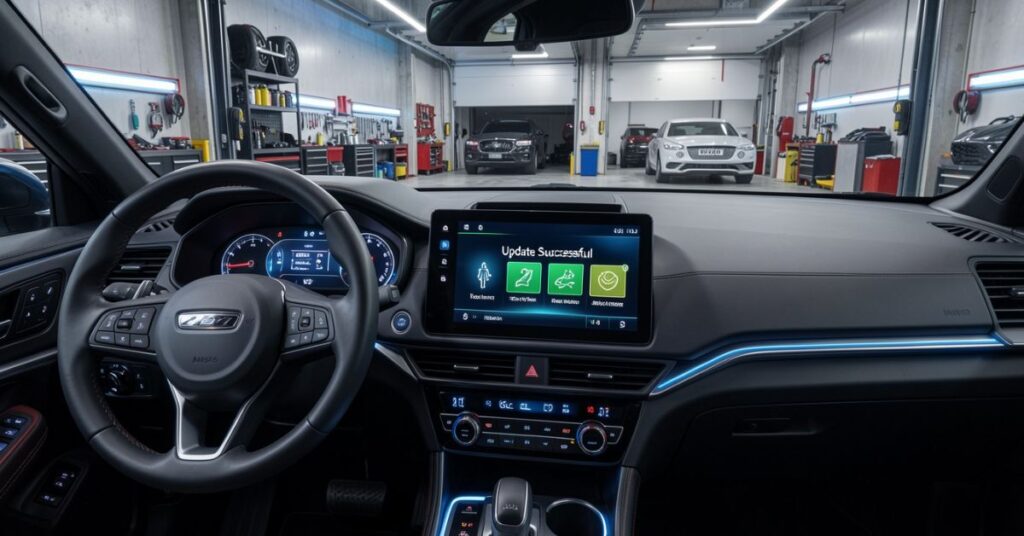
You can install a BMW software update easily if your car supports OTA updates.
Step 1: Connect to the Internet
Turn on Wi-Fi or mobile hotspot in your car.
Step 2: Check Update
Go to the iDrive menu and select software update.
Step 3: Download Update
Start downloading update files.
Step 4: Install Update
Follow the on-screen instructions to install.
Step 5: Wait for Completion
Do not turn off the engine during installation.
Step 6: Restart System
Let the system restart automatically.
Update Methods Comparison:
| Method | Difficulty | Internet Required | Best For |
| OTA Update | Easy | Yes | New BMW models |
| USB Update | Medium | No | Older models |
| Dealer Update | Easy | No | Major upgrades |
A BMW update process stays simple when you follow instructions carefully.
Benefits of BMW Software Update and user advantages

A BMW software update gives many benefits to drivers. BMW designs updates to improve both comfort and safety.
Smooth Driving Experience
Your car feels more responsive and stable after updates.
Better Navigation System
Maps update automatically with real-time traffic data.
Improved Connectivity
Your phone connects faster using Bluetooth and Apple CarPlay.
Enhanced Fuel Efficiency
Some updates improve engine management for better fuel use.
Advanced Safety Features
Lane assist and braking systems become more accurate.
Longer Vehicle Life
Regular updates reduce system errors and improve durability.
BMW software updates improve overall driving satisfaction and reduce maintenance issues.
Common Problems in BMW Software Update
BMW Software Update issues and fixes
Sometimes, a BMW software update may face problems. These issues are usually easy to fix.
Slow Download
- Check the internet connection
- Use strong Wi-Fi
Installation Failure
- Restart the car system
- Try again later
Storage Full
- Delete unused files
- Clear system cache
Update Not Showing
- Check vehicle compatibility
- Visit the BMW service center
System Freeze
- Restart vehicle
- Contact BMW support
Most problems occur due to a weak internet or a low battery.
BMW Software Update and future technology

The future of BMW software updates looks very advanced. BMW focuses on digital transformation.
AI Integration
BMW will use artificial intelligence for smarter driving support.
Faster OTA Updates
Future updates will download faster with 5G support.
Fully Autonomous Features
Software updates will improve self-driving technology.
Cloud-Based Systems
Cars will store and process data in the cloud.
Real-Time Upgrades
BMW will push instant updates for safety and performance.
BMW aims to turn cars into fully connected smart devices.
Tips for BMW Software Update best practices
Follow these tips to avoid problems during a BMW software update:
- Keep the car battery charged
- Use a stable internet connection
- Do not turn off the engine during the update
- Install updates when parked
- Check storage before starting
These simple steps ensure smooth installation.
Final Thoughts
A BMW software update plays a key role in keeping your car modern, safe, and high-performing. BMW does not treat a vehicle as a fixed machine. It treats it as a smart system that keeps improving over time through software.
You get better driving performance, stronger safety features, improved navigation, and smoother infotainment with each update. BMW also fixes bugs and strengthens security, which helps your car stay reliable for years.
You should always install updates when BMW releases them. You should also ensure a stable internet connection and a proper battery level during installation. These small steps prevent errors and keep the process smooth.
In simple words, a BMW software update keeps your car updated with new technology without buying a new model. It improves your driving experience and adds long-term value to your vehicle.
FAQs
1. How often does BMW release software updates?
BMW releases updates several times a year, depending on model and region.
2. Is the BMW software update free?
Yes, most updates come free for BMW owners.
3. Can I drive during the BMW software update?
No, you should keep the car parked during installation.
4. Do all BMW cars support OTA updates?
No, only newer models support over-the-air updates.
5. What happens if the update fails?
Your system usually restores previous settings automatically.
6. Does the BMW software update improve performance?
Yes, it improves speed, safety, and system stability.
7. Can I install the update myself?
Yes, you can install OTA updates using the iDrive system.
Internal Links
- Difference Between Software and Hardware —
https://techcrebia.com/difference-between-software-and-hardware/ - Software Updates & Device Firmware — TechCrebia Software Updates & Device Firmware
- Productivity Software —
https://techcrebia.com/productivity-software/ - PhysX System Software —
https://techcrebia.com/physx-system-software/ - Samsung J7 Software Update —
https://techcrebia.com/samsung-j7-software-update/