



Businesses need strong software to manage finance, accounting, payroll, inventory, and daily operations. Many companies choose Great Plains Software because it offers powerful business management tools in one platform. This software helps companies improve work speed, reduce errors, and manage data easily.
Large and small businesses both use Great Plains Software for accounting and enterprise resource planning. The software gives users better control over business operations. Companies can track financial records, manage employees, control inventory, and create detailed reports.
Many organizations trust Great Plains Software because it supports business growth. It also works well with other Microsoft products. Users can connect the software with Excel, Outlook, Power BI, and many other tools.
Businesses today face strong competition. They need fast systems that help them make smart decisions. Great Plains provides accurate business information in real time. This feature helps managers understand business performance quickly.
This guide explains everything about Great Plains Software. You will learn its features, benefits, modules, pricing, industries, implementation process, and future trends.
What Is Great Plains Software?
Great Plains Software is a business management and accounting solution. Microsoft owns this software, and many people also call it Microsoft Dynamics GP. The software helps businesses manage accounting, finance, inventory, payroll, reporting, and operations.
Great Plains Software started as an accounting solution for growing businesses. Over time, Microsoft improved the platform and added many enterprise features. Today, companies around the world use it for daily business management.
The software supports businesses that want better financial control. It automates many manual tasks and reduces paperwork. Companies can save time and improve accuracy through automation.
Great Software also supports multiple departments. Finance teams, HR teams, sales departments, and inventory managers can work together inside one system. This process improves communication and data sharing.
Businesses use Great
- Manage accounting records
- Track business expenses
- Create financial reports
- Control inventory
- Process payroll
- Handle purchasing
- Monitor sales performance
- Improve customer service
The software offers flexibility for different industries. Retail companies, healthcare providers, manufacturers, educational institutions, and nonprofit organizations all use Great Software.
History of Great Plains Software
Great Plains Software has a long history in the business market. Doug Burgum founded Great Plains Software in the 1980s. The company focused on accounting software for small and medium businesses.
The software quickly became popular because it offered easy financial management tools. Businesses liked its simple design and strong accounting features.
Microsoft purchased Great Plains Software in 2001. After the acquisition, Microsoft improved the system and renamed it Microsoft Dynamics GP.
The company added many advanced tools after the acquisition. Users gained better reporting systems, cloud support, and Microsoft integration features.
Over the years, Microsoft released many updated versions of Great Plains. Each version included better security, automation, and reporting functions.
Today, Great Plains remains an important ERP solution for many organizations. Businesses still use it because of its stability, reliability, and powerful accounting tools.
Important milestones in Great Plains Software history
- Founded during the 1980s
- Became popular among growing businesses
- Microsoft acquired the company in 2001
- Renamed as Microsoft Dynamics GP
- Added cloud and automation features
- Expanded ERP capabilities for large businesses
Great Plains Software Features
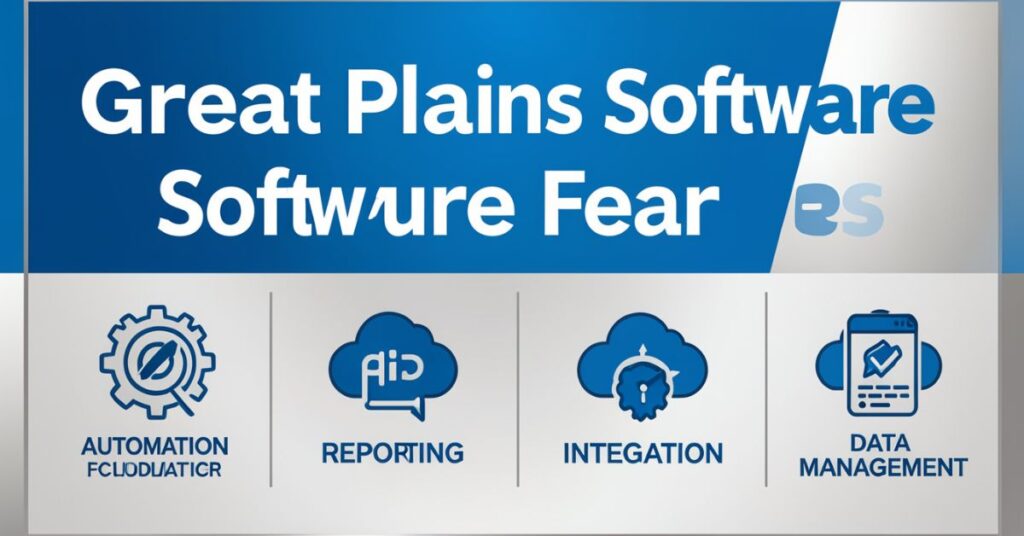
Great Plains Software offers many features that help businesses manage operations smoothly. The software combines accounting, reporting, payroll, inventory, and analytics tools in one platform.
Businesses use these features to improve productivity and reduce manual work. The software also helps teams work faster and make better decisions.
Financial Management Features in Great Plains
Financial management remains one of the strongest areas of Great Plains Software. Companies can manage accounting tasks more efficiently through automation and detailed reporting.
The software supports accurate bookkeeping and helps businesses maintain compliance with financial regulations.
Main financial management features
- General ledger management
- Accounts payable tracking
- Accounts receivable management
- Cash flow monitoring
- Bank reconciliation
- Budget planning
- Financial reporting
- Tax management
- Multi-currency support
These tools help businesses control financial operations from one dashboard.
Inventory Management Features in Great Plains Software
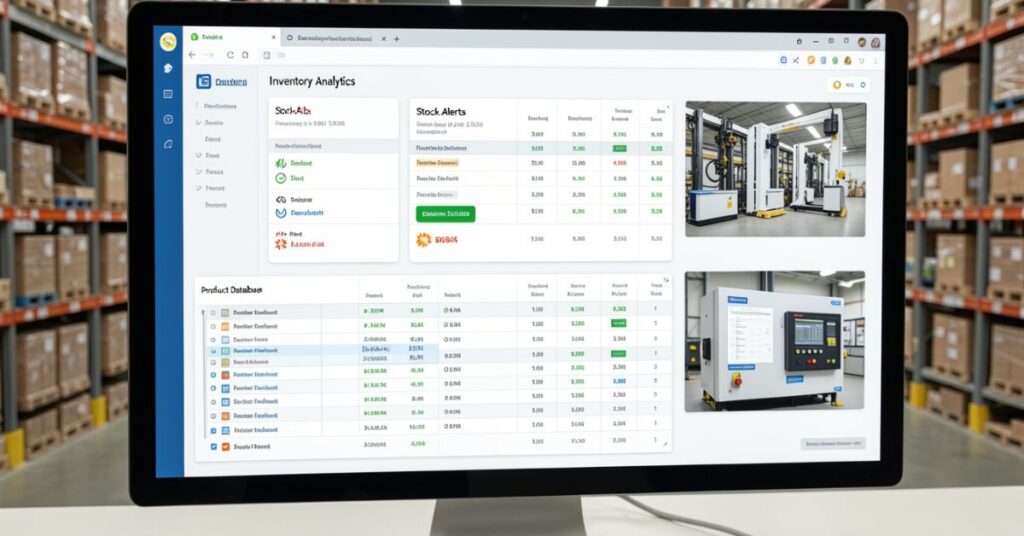
Inventory management helps companies track products, stock levels, and warehouse operations. Great Plains Software provides detailed inventory control tools for businesses.
The software helps reduce inventory shortages and overstock problems. Businesses can also monitor product movement in real time.
Inventory management tools include
- Stock tracking
- Warehouse management
- Barcode support
- Purchase order management
- Sales order tracking
- Vendor management
- Inventory forecasting
- Product cost tracking
Companies improve supply chain management through these tools.
Payroll Management Features in Great Plains Software
Payroll processing becomes easier with Great Plains Software. Businesses can automate employee payments and reduce payroll errors.
The software supports tax calculations and employee record management.
Payroll management functions include
- Salary processing
- Tax calculations
- Employee record management
- Overtime tracking
- Benefits management
- Attendance tracking
- Payroll reporting
HR teams save time through automated payroll systems.
Reporting and Analytics Features in Great Plains Software
Reporting tools help businesses analyze performance. Great Plains Software provides real-time business insights and detailed analytics.
Managers can use reports to make better business decisions.
Reporting capabilities include
- Financial reports
- Sales analysis
- Inventory reports
- Employee performance reports
- Dashboard analytics
- Forecasting reports
- Budget analysis
Businesses can customize reports according to their needs.
Benefits of Great Software
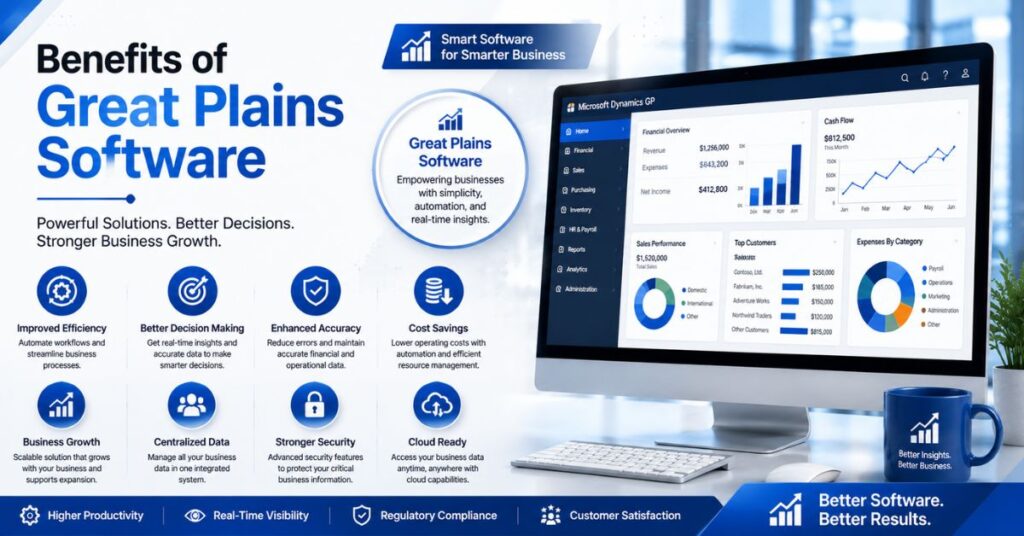
Many businesses choose Great Plains Software because it offers several advantages. The software improves productivity, increases accuracy, and helps businesses grow.
Companies also save time and reduce operating costs through automation.
Great Plains Improves Business Efficiency
Automation reduces manual work. Employees spend less time on repetitive tasks and focus more on important activities.
The software processes financial data faster and improves workflow management.
Efficiency benefits include
- Faster accounting processes
- Reduced paperwork
- Improved collaboration
- Better workflow automation
- Quick access to business data
Companies complete tasks more quickly with automated systems.
Great Reduces Errors
Manual accounting often creates mistakes. Great Plains reduces human errors through automation and validation systems.
The software improves financial accuracy and reporting quality.
Error reduction benefits include
- Accurate calculations
- Reduced duplicate entries
- Better compliance management
- Improved audit tracking
- Safer data handling
Businesses gain more confidence in financial reporting.
Great Plains Software Supports Business Growth
Growing companies need scalable systems. Great Plains Software supports business expansion by offering flexible modules and integrations.
Companies can add new features as business needs increase.
Growth advantages include
- Flexible business modules
- Support for multiple users
- Multi-location management
- Better data visibility
- Scalable infrastructure
The software adapts to changing business requirements.
Great Plains Modules
Great Plains Software contains several modules for different business functions. Companies can choose modules based on their needs.
These modules work together and share information across departments.
| Module | Main Purpose |
| Financial Management | Handles accounting and finance |
| Payroll | Manages employee payments |
| Inventory Management | Tracks products and stock |
| Sales Management | Controls customer sales |
| Purchasing | Handles vendor purchases |
| Human Resources | Manages employee data |
| Project Accounting | Tracks project expenses |
| Business Intelligence | Creates reports and analytics |
Each module improves a specific business area.
Industries That Use Great Software
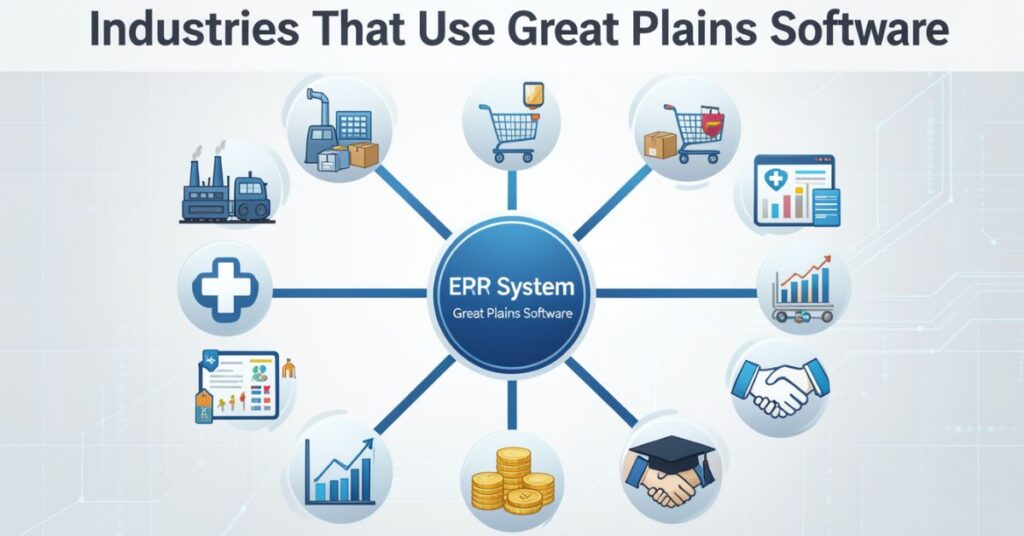
Many industries use Great Plains Software because it supports different business operations. The software works well for companies of various sizes.
Organizations use the platform to improve productivity and manage resources effectively.
Manufacturing Industry and Great Software
Manufacturers use Great Software to control production, inventory, and supply chain operations.
The software helps companies track raw materials and production costs.
Manufacturing benefits include
- Production tracking
- Inventory control
- Supply chain management
- Vendor coordination
- Cost analysis
Manufacturers improve efficiency through better planning.
Retail Industry and Great Plains
Retail companies use Great Plains Software to manage sales, inventory, and customer information.
The software supports faster inventory tracking and reporting.
Retail features include
- Point-of-sale integration
- Sales tracking
- Customer management
- Inventory monitoring
- Financial reporting
Retailers’ healthcare advantages include
improve customer service through better data management.
Healthcare Industry and Great Plains Software
Healthcare organizations use Great Plains Software for financial management and payroll processing.
The software helps healthcare providers maintain accurate financial records.
- Budget management
- Payroll automation
- Vendor tracking
- Expense monitoring
- Financial reporting
Healthcare teams improve operational efficiency through automation.
Great Plains Software vs Other ERP Systems
Businesses often compare Great Plains Software with other ERP solutions. Each ERP platform offers different strengths and features.
Great Software remains popular because of its strong accounting capabilities and Microsoft integration.
| Feature | Great Plains Software | Other ERP Systems |
| Accounting Tools | Excellent | Varies |
| Microsoft Integration | Strong | Moderate |
| Ease of Use | User-friendly | Depends on the system |
| Customization | Flexible | Flexible |
| Reporting | Advanced | Advanced |
| Cost | Moderate | Often expensive |
Many businesses prefer Great Software for financial management.
Cloud Support in Great Plains Software
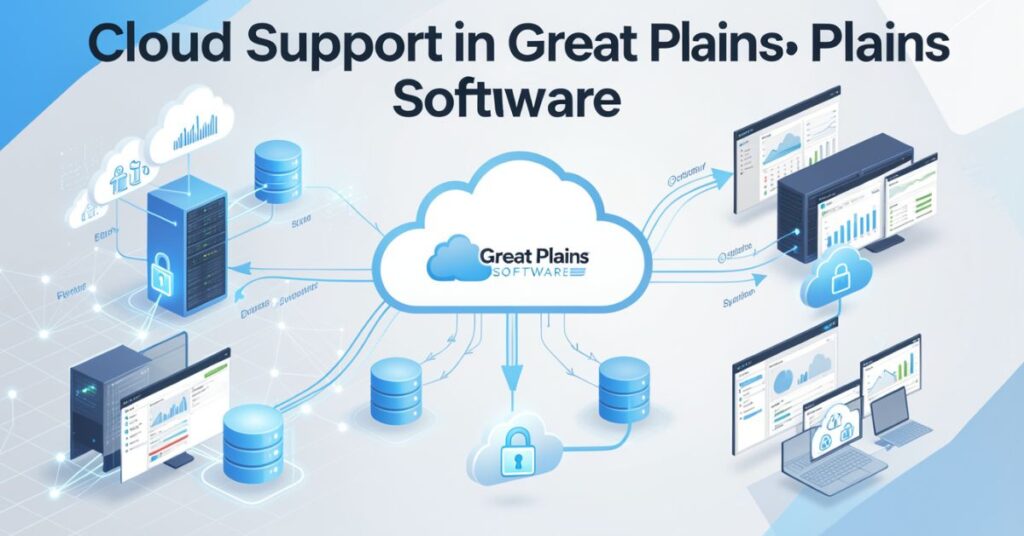
Modern businesses want cloud-based solutions. Great Plains Software supports cloud deployment and remote access features.
Cloud systems help businesses improve flexibility and security.
Benefits of Cloud-Based Great Plains
Cloud hosting allows employees to work from different locations. Businesses also reduce hardware costs through cloud services.
The software supports remote business operations effectively.
Cloud advantages include
- Remote access
- Lower hardware costs
- Better data backup
- Improved scalability
- Automatic updates
- Faster disaster recovery
Companies improve flexibility through cloud technology.
Great Plains Software Integration Capabilities
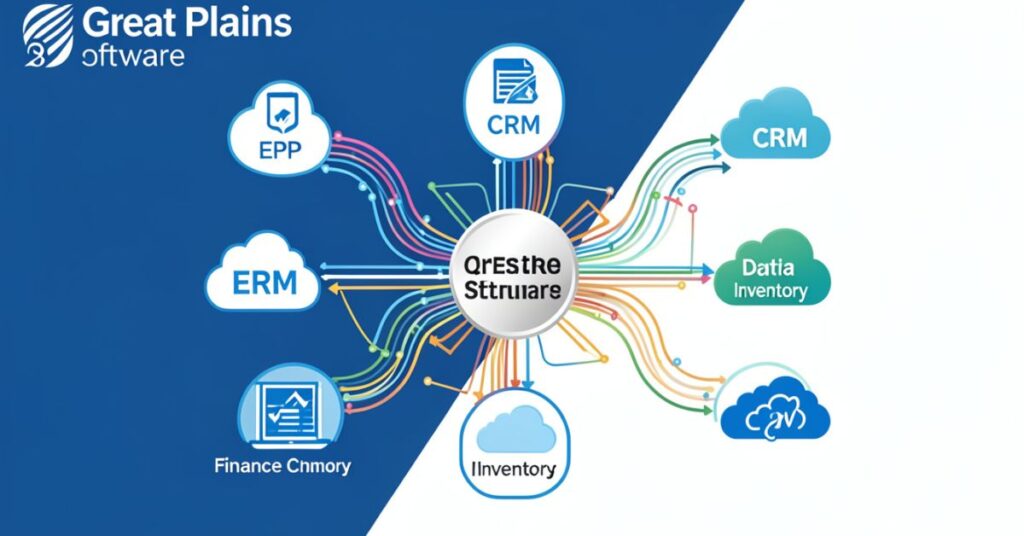
Integration helps businesses connect different systems. Great Plains Software integrates with many Microsoft products and third-party applications.
Businesses improve workflow by sharing data across systems.
Popular Integrations with Great Software
Microsoft products work smoothly with Great Software. Businesses also connect CRM systems and reporting tools.
Common integrations include
- Microsoft Excel
- Microsoft Outlook
- Power BI
- SharePoint
- CRM platforms
- Payroll systems
- E-commerce platforms
Integration improves business productivity and data accuracy.
Security Features in Great Plains Software
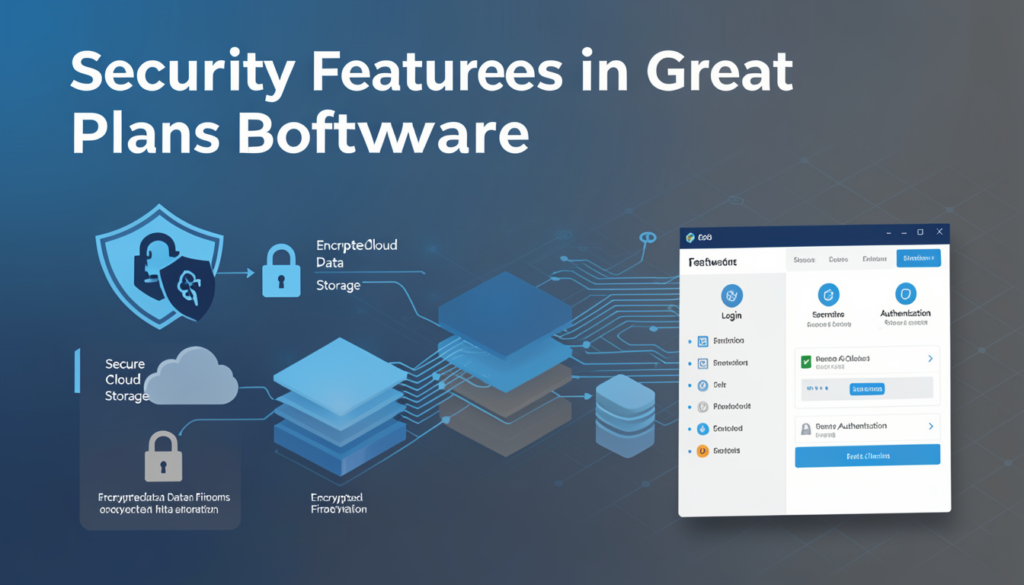
Data security remains important for every business. Great Plains Software provides strong security tools to protect company information.
Businesses can control user access and monitor system activity.
Security Tools in Great Plains
The software helps businesses protect financial records and employee data.
Main security features include
- User permissions
- Password protection
- Data encryption
- Audit tracking
- Backup systems
- Secure access controls
Companies reduce security risks through these features
Future of Great Plains Software
Implementation plays a major role in ERP success. Businesses must plan carefully before installing Great Plains Software.
A proper implementation strategy improves system performance and user adoption.
Steps to Implement Great Software
Businesses should analyze goals, train employees, and test systems during implementation.
Common implementation steps include
- Business requirement analysis
- Software installation
- Data migration
- Employee training
- System testing
- Final deployment
- Ongoing support
Professional implementation improves long-term success.
Challenges of Great Plains Software
Every ERP system has some challenges. Businesses should understand these issues before implementation.
Proper planning helps companies reduce risks and improve results.
Common Challenges in Great Plains
Some companies face difficulties during customization or system upgrades.
Common challenges include
- Complex setup process
- Training requirements
- Upgrade management
- Integration complexity
- Initial implementation costs
Businesses can overcome these issues through expert support and planning.
Technology continues to evolve rapidly. Great Plains Software also continues to improve with new updates and cloud support.
Businesses want more automation, analytics, and AI features in ERP systems.
Future Trends in Great Software
Microsoft focuses on modern business solutions and digital transformation.
Future improvements may include
- Better AI automation
- Improved cloud features
- Advanced analytics
- Stronger cybersecurity
- Faster reporting systems
- Enhanced mobile access
Businesses will continue using ERP systems for smarter operations.
Tips for Choosing Great Plains Software
Businesses should evaluate their needs before selecting an ERP solution. Great Plains Software works best for companies that need strong accounting and financial tools.
Companies should also consider budget, training, and future growth.
Important Factors Before Buying Great Software
Businesses should compare features and evaluate long-term value.
Buying tips include
- Define business goals
- Analyze software modules
- Check integration support
- Review implementation costs
- Evaluate training needs
- Test reporting features
Careful planning improves software success.
Conclusion
Great Plains Software remains one of the most trusted ERP and accounting solutions for businesses. The software helps companies manage finance, payroll, inventory, reporting, and operations on a single platform.
Businesses use Great Plains because it improves efficiency, reduces errors, and supports business growth. The software also integrates well with Microsoft tools, which makes daily operations easier.
Many industries continue using Great Software because of its flexibility and reliability. Companies can customize modules according to their needs and scale operations over time.
Organizations that want better financial management and business automation should consider Great Plains . With proper implementation and training, businesses can improve productivity and achieve long-term success.
FAQs
What is Great Plains Software used for?
Businesses use Great Plains Software for accounting, payroll, inventory management, reporting, and ERP operations.
Is Great Plains the same as Microsoft Dynamics GP?
Yes. Microsoft purchased Great Plains and renamed it Microsoft Dynamics GP.
Which industries use Great Plains?
Manufacturing, retail, healthcare, education, and nonprofit industries commonly use Great Plains.
Does Great Software support cloud hosting?
Yes. Businesses can use Great Software through cloud hosting solutions.
Is Great Software good for small businesses?
Yes. Small and medium businesses use Great Software because it offers flexible accounting and ERP features.
Can Great Plains integrate with Microsoft products?
Yes. The software integrates with Excel, Outlook, Power BI, and other Microsoft tools.
What are the main benefits of Great Plains?
The software improves efficiency, reduces errors, supports automation, and helps businesses manage operations effectively.