




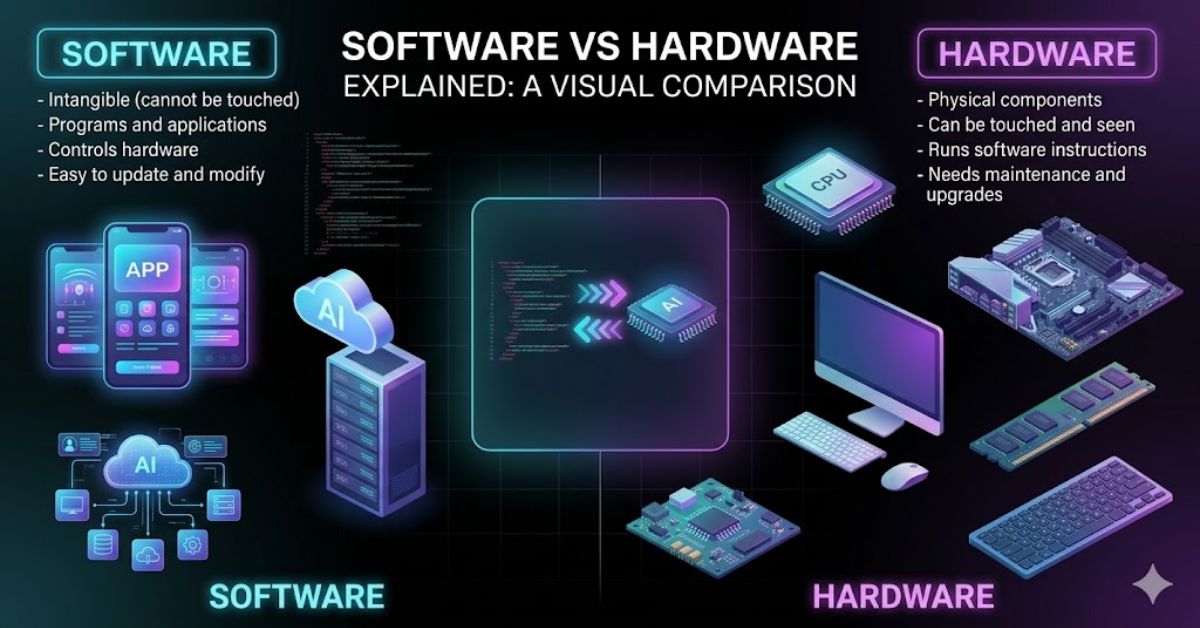
Technology runs almost every part of modern life. People use computers, smartphones, tablets, smart TVs, and many other digital devices every day.
Understanding the difference between software and hardware helps users know how these devices actually work.
Every digital device works because of two important parts. These parts are software and hardware. Many people hear these terms often, but they do not fully understand the real difference between software and hardware.
Digital programs and physical computer parts work together to perform tasks. A computer cannot work properly without either one.
Physical components give the computer its structure, while digital programs provide instructions for operations. Both play a very important role in every digital system.
Understanding these two computer components helps students, office workers, business owners, and technology users.
It also helps people solve common computer problems more easily. When people know whether an issue comes from the physical device or the digital program, they can fix problems faster.
In this article, you will learn the complete difference between software and hardware in simple language.
You will also learn about their types, functions, examples, advantages, disadvantages, and real-world uses. This guide will help beginners understand the topic clearly without confusion.
What Is Software and Hardware
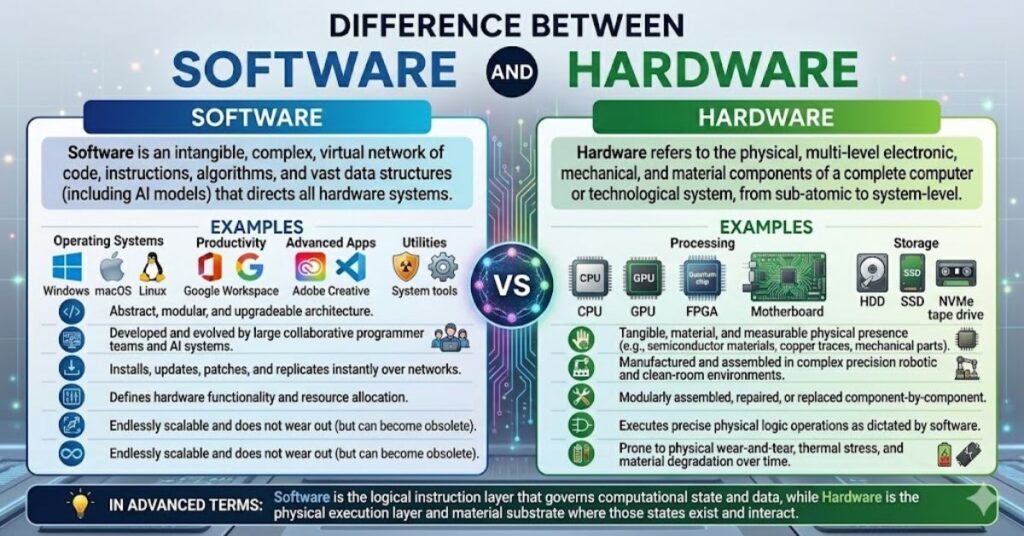
Software and hardware form the foundation of every computer system. They work together to help devices perform useful tasks.
People use them every day while browsing the internet, creating documents, watching videos, or playing games.
Hardware includes all the physical parts of a computer or digital device. You can see and touch hardware.
Examples include keyboards, monitors, printers, hard drives, and motherboards. Hardware performs physical operations and connects different parts of the system.
Digital programs include applications and instructions that tell physical components what to do. Users cannot touch these programs because they exist in digital form.
These programs control hardware operations and help users complete tasks. Examples include operating systems, web browsers, games, and mobile applications.
A computer needs both digital programs and physical components to function properly. Physical components without digital instructions become useless because they cannot perform tasks.
Digital programs without a physical device also cannot work because they need hardware to run.
The relationship between digital programs and physical components creates a complete computing system.
For example, when a user clicks a button in a program, the program sends instructions to the physical components. The physical components then perform the requested action.
The difference between these two computer parts becomes clearer when people understand their roles. Physical components act like the body of a computer, while digital programs act like the brain that controls actions and decisions.
Types of Software and Hardware
Different Types of Software
- System software
- Application software
- Utility software
- Programming software
Different Types of Hardware
- Input devices
- Output devices
- Storage devices
- Processing devices
- Networking devices
Difference Between Software and Hardware in Simple Words
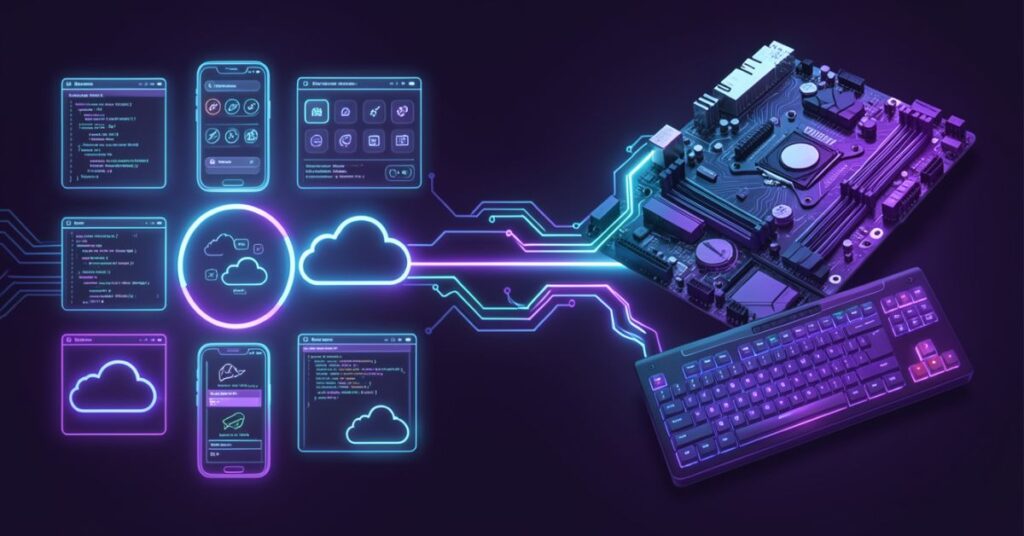
The difference becomes easy to understand when people compare functions and physical nature.
Physical equipment refers to computer parts that users can touch, while digital instructions refer to programs that control operations.
You can physically touch hardware devices. A mouse, keyboard, CPU, monitor, and printer all fall under hardware.
Hardware devices perform tasks according to software instructions. They help users interact with computers and digital systems.
Digital programs exist in virtual form. They include computer programs and applications that run on devices.
Users cannot physically touch them, but they can see their interface on screens. These programs manage operations and control hardware performance.
Another important difference involves damage and maintenance. Physical components can break due to heat, dust, or accidents. Digital programs usually face issues like bugs, viruses, or corrupted files.
Digital programs often need updates to improve features and security. Physical components may need repairs or replacements after long-term use. Developers create programs, while engineers manufacture physical components.
Both digital programs and physical components depend on each other. A printer cannot print without printing instructions from software. A music application cannot play songs without speakers and processing hardware.
The difference between software and hardware also appears in production methods. Companies design and code software using programming languages.
Manufacturers build hardware using electronic parts and machines.
The table below explains the difference between software and hardware more clearly.
| Feature | Software | Hardware |
| Nature | Digital programs | Physical devices |
| Touch | Cannot touch | Can touch |
| Creation | Developed through coding | Manufactured physically |
| Damage | Gets corrupted or infected | Breaks physically |
| Update | Needs software updates | Needs hardware upgrades |
| Example | Windows, Chrome, MS Word | Keyboard, CPU, Monitor |
Difference Between Software and Hardware With Examples
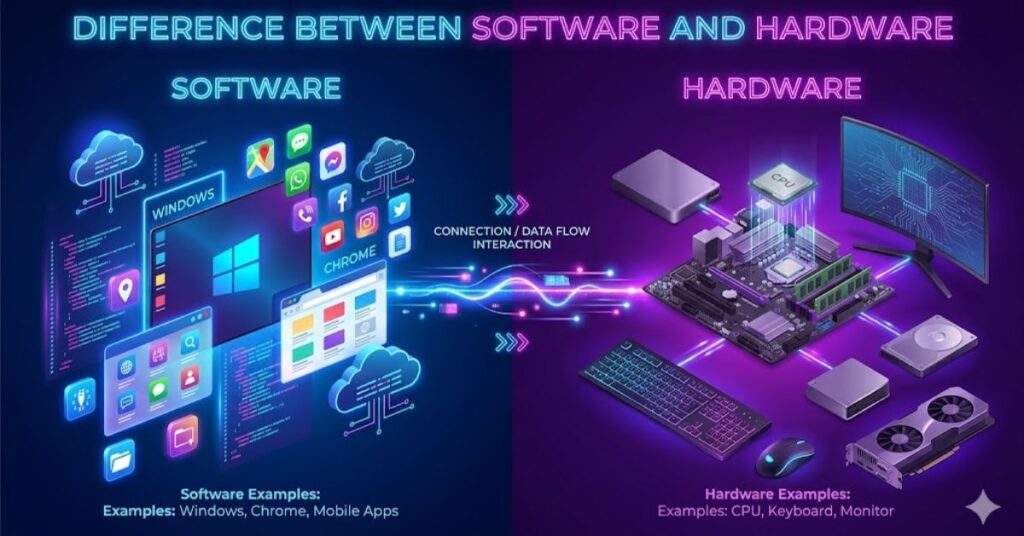
Examples help people understand the difference between software and hardware more easily. Every computer activity involves working together.
When a person types on a keyboard, the keyboard acts as hardware. The word processing program acts as software. The software receives the typed information and displays it on the screen.
A smartphone also uses software and hardware together. The touchscreen, battery, camera, and speakers are hardware parts. The operating system and apps work as software.
Gaming systems also provide clear examples. A gaming console includes hardware like controllers, processors, and graphics cards. Video games installed on the console work as software.
Banks, schools, hospitals, and businesses use software and hardware daily. Hospitals use hardware devices like scanners and monitors. They also use medical software to manage patient data.
Online classes also depend on both parties. Students use laptops or smartphones as hardware. Learning apps and video meeting platforms work as software.
The difference between software and hardware becomes very clear in these real-life situations because users can see how both depend on each other.
Common Examples of Software
System Software Examples
- Windows
- Linux
- macOS
- Android
Application Software Examples
- Microsoft Word
- Google Chrome
- Zoom
- Photoshop
Common Examples of Hardware
Input Hardware Examples
- Keyboard
- Mouse
- Scanner
- Microphone
Output Hardware Examples
- Monitor
- Printer
- Speaker
- Projector
Importance of the Difference Between Software and Hardware
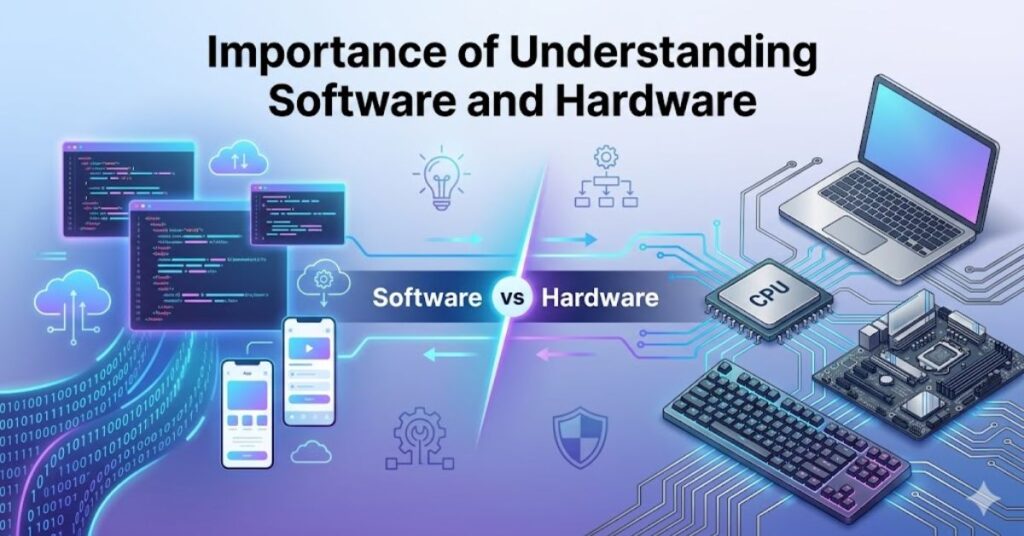
Understanding the difference between software and hardware helps users solve computer issues more effectively. It also improves basic technology knowledge.
People often face computer problems. Some problems come from software, while others come from hardware. When users know the difference, they can identify the real issue faster.
For example, a slow computer may need program cleanup or device upgrades. If applications crash often, digital issues may cause the problem. If the monitor stops displaying images, a physical device failure may exist.
Businesses also benefit from understanding these computer components. Companies use both to improve productivity and communication. They choose suitable physical devices and install proper digital tools for daily work.
Students studying computer science must learn these computer concepts early. This knowledge helps them understand computer systems and technology more clearly.
The IT industry also depends heavily on this understanding. Software developers create applications, while hardware engineers build physical devices. Both industries work together to improve technology.
Cybersecurity experts also use this knowledge to protect systems. Some attacks target program vulnerabilities, while others target physical systems.
The difference between software and hardware also affects costs. Hardware usually requires larger one-time purchases. Software may need subscriptions, licenses, or updates.
Why This Knowledge Matters
How Students Benefit from Software
- Improves computer knowledge
- Helps in technical education
- Builds basic IT understanding
Why Businesses Benefit from Software
- Improves productivity
- Helps choose better systems
- Reduces technical problems
Ways Regular Users Benefit from Software
- Helps fix simple issues
- Improves device usage
- Saves repair costs
Types of Software: Difference Between Software and Hardware
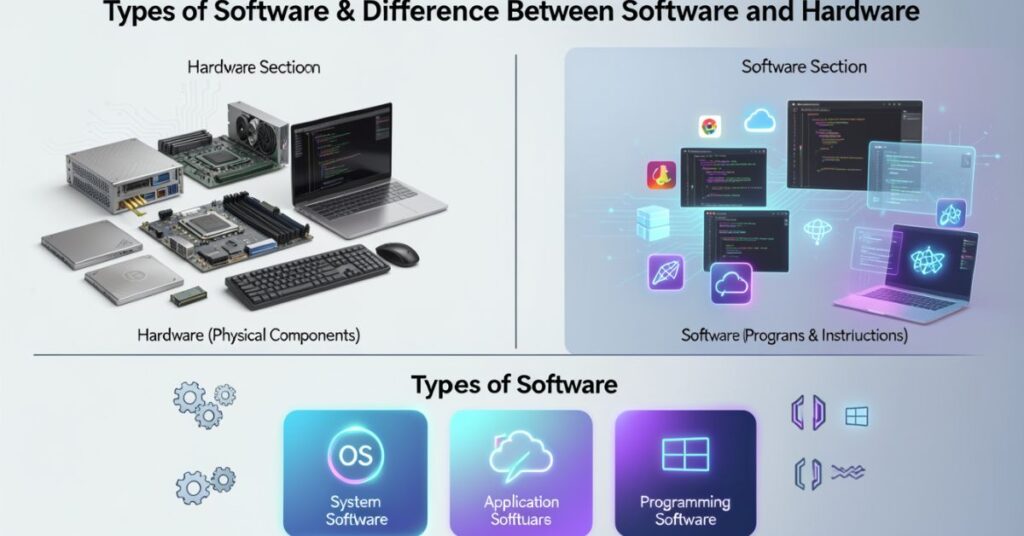
Software comes in many forms. Each type performs specific functions in a computer system. Understanding software types helps people understand the full difference between software and hardware.
System software controls the basic functions of a computer. It manages hardware operations and creates a platform for other programs. Operating systems like Windows and Linux fall into this category.
Application software helps users perform tasks directly. People use application software for writing, browsing, editing, communication, and entertainment. Examples include Microsoft Office, browsers, and games.
Utility software improves system performance and security. Antivirus programs, disk cleaners, and backup tools belong to this category. They help maintain computer health.
Programming software helps developers create applications and systems. Programmers use coding tools, compilers, and editors to develop software.
Different software types work together to create a complete user experience. Without software, hardware cannot perform useful tasks.
The difference becomes clearer when users understand that digital programs control operations while physical components execute actions.
| Software Type | Main Function | Examples |
| System Software | Controls hardware | Windows, Linux |
| Application Software | Helps users perform tasks | MS Word, Chrome |
| Utility Software | Improves system health | Antivirus |
| Programming Software | Helps create software | Visual Studio |
Features of Software
Main Features
- Works digitally
- Needs installation
- Requires updates
- Controls hardware
Advantages of Software
- Easy to update
- Improves productivity
- Supports automation
- Helps communication
Types of Hardware: Differences Between Software and Hardware
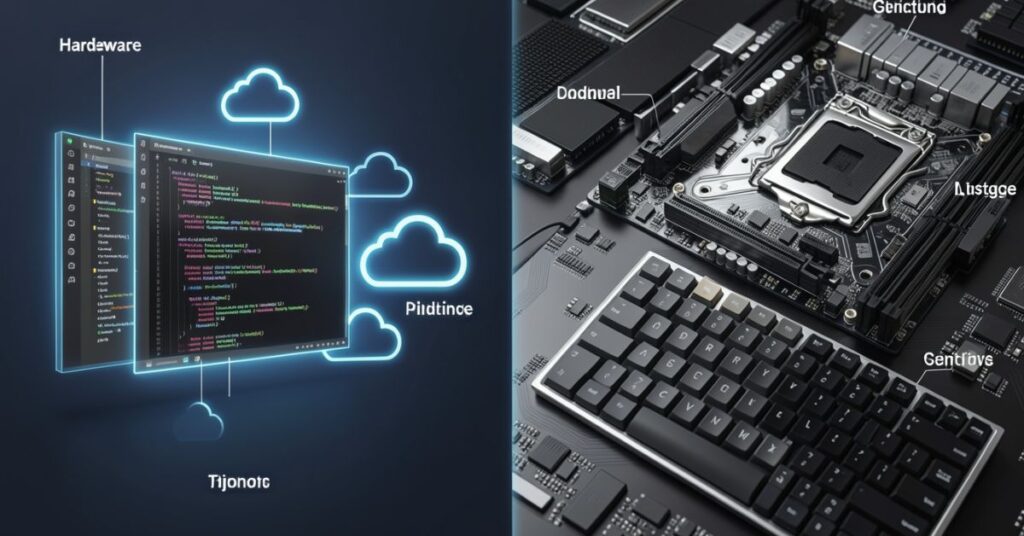
Hardware comprises many physical components that enable computers to perform operations. Different hardware components handle different tasks.
Input devices allow users to enter information into computers. Examples include keyboards, mice, scanners, and microphones.
Output devices display or produce information for users. Monitors, printers, speakers, and projectors belong to this category.
Storage devices store data and files. Hard drives, SSDs, USB drives, and memory cards help users save information.
Processing devices handle calculations and instructions. CPUs and graphics cards process data and improve performance.
Networking devices connect computers and systems. Routers, modems, and network switches help devices communicate through networks and the internet.
Every physical device depends on digital instructions. Without software, hardware cannot function properly.
The difference between these two components appears clearly because physical parts perform real-world work while digital programs control operations in a digital way.
| Hardware Type | Main Function | Examples |
| Input Devices | Enter data | Keyboard, Mouse |
| Output Devices | Display results | Monitor, Printer |
| Storage Devices | Store data | SSD, Hard Drive |
| Processing Devices | Process data | CPU, GPU |
| Networking Devices | Connect systems | Router, Modem |
Features of Hardware
Main Features
- Physical structure
- Requires electricity
- Can wear out
- Supports software
Advantages of Hardware
- Performs fast operations
- Stores data physically
- Improves system performance
- Supports multitasking
Relationship Between Software and Hardware
Software and hardware share a strong connection. Neither can work alone in a useful way. Together, they create a complete computing environment.
When users open an application, the software sends instructions to the processor. The processor then performs calculations and displays results on the monitor.
Every digital task involves communication between digital programs and physical components. For example, online video streaming uses applications and hardware devices like speakers, processors, and internet devices.
Modern businesses depend heavily on this relationship. Offices use hardware like computers, printers, and servers. They also use software for accounting, communication, and project management.
The gaming industry also relies on both components. Powerful hardware improves graphics and speed, while optimized software creates better gaming experiences.
Every physical device depends on digital instructions. Without software, hardware cannot function properly.
Every physical device depends on digital instructions. Without software, hardware cannot function properly.
How Software and Hardware Work Together
Step-by-Step Process
- User gives a command
- Software receives a command
- Hardware processes instruction
- The system displays the result
Examples of Teamwork
- Printer with printing software
- A camera with editing software
- Smartphone with mobile apps
- ATM with banking software
Advantages and Disadvantages of Software and Hardware
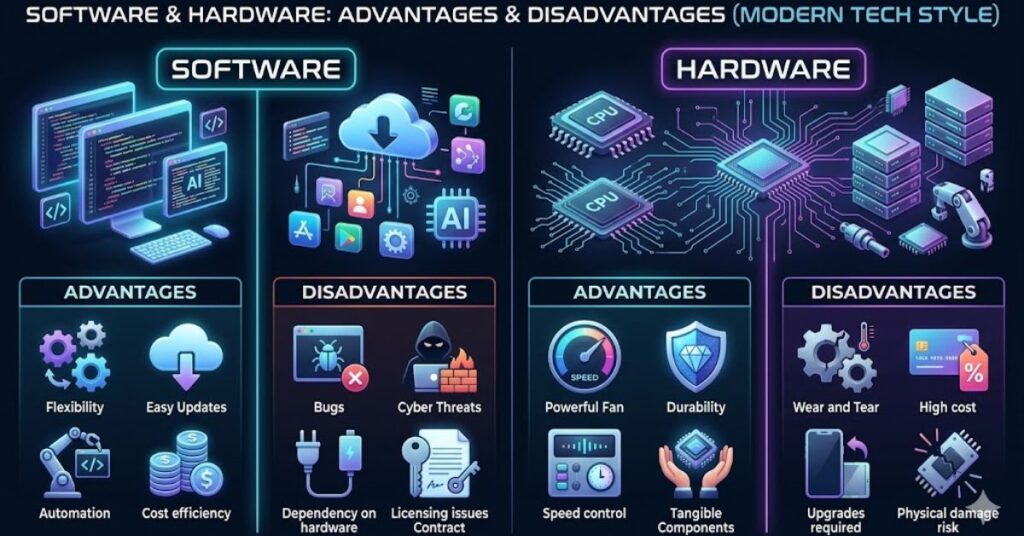
Both software and hardware provide many benefits, but they also have limitations. Understanding these strengths and weaknesses helps users make better technology decisions.
Software improves productivity and automation. It helps users complete tasks quickly and accurately. Businesses use software to manage operations, communication, and customer service.
Software also supports creativity and learning. Graphic design software, educational apps, and video editing tools help users develop skills.
However, software may face bugs, viruses, or compatibility issues. Some programs require frequent updates and subscriptions.
Physical components provide the power needed to run digital programs. Faster processors and larger memory improve computer performance. Modern devices support gaming, video editing, and multitasking.
Hardware also has disadvantages. Physical devices can break, overheat, or become outdated. Repairs and replacements may cost a lot.
The difference between software and hardware helps users balance performance, costs, and system needs effectively.
| Category | Advantages | Disadvantages |
| Software | Easy updates, automation | Bugs, viruses |
| Hardware | Fast performance | Physical damage |
Software Advantages
Key Benefits
- Easy to share
- Supports communication
- Increases efficiency
- Saves time
Hardware Advantages
Key Benefits
- Provides processing power
- Stores information
- Supports multiple tasks
- Improves speed
Future of the Difference Between Software and Hardware
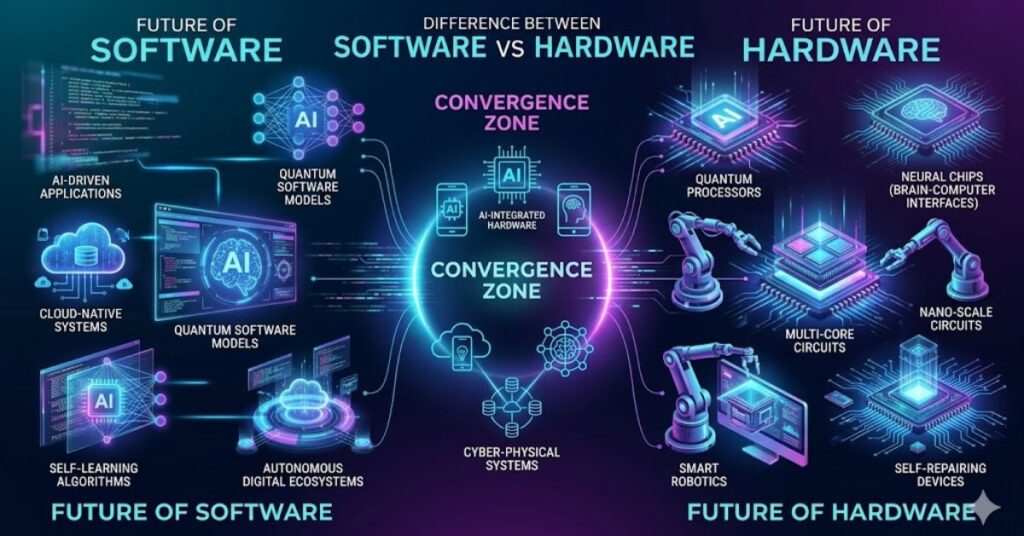
Technology continues to grow rapidly. Software and hardware keep improving together to support modern needs.
Artificial intelligence, cloud computing, and automation now shape the future of technology. Modern software uses smart systems to improve user experiences.
Hardware companies also create faster and smaller devices. Smartphones now offer strong performance in compact designs. Modern laptops provide better speed and battery life.
Cloud computing changes the way software works. Many applications now run online instead of being installed directly on devices. This trend reduces hardware storage needs.
Gaming, healthcare, education, and businesses continue to depend on better software and hardware systems. Smart homes and wearable devices also increase demand for advanced technology.
The difference between software and hardware will remain important because both continue to evolve together.
Future Trends in Software and Hardware
Software Trends
- Artificial intelligence
- Cloud applications
- Better cybersecurity
- Automation tools
Hardware Trends
- Faster processors
- Smaller devices
- Smart technology
- Better storage systems
Conclusion
The difference between software and hardware plays a very important role in technology. Hardware includes the physical parts of a computer, while software includes programs and digital instructions.
Both digital programs and physical components depend on each other. Physical components cannot perform useful tasks without digital instructions, and digital programs cannot run without physical devices.
Understanding the difference between digital programs and physical computer components helps students, workers, businesses, and regular users. It improves computer knowledge and helps people solve technical issues more easily.
Understanding the difference between digital programs and physical computer components helps students, workers, businesses, and regular users. It improves computer knowledge and helps people solve technical issues more easily.
Modern technology will continue improving both software and hardware. Future innovations will create smarter, faster, and more powerful systems for users around the world.
FAQs
What is the main difference between software and hardware?
Hardware includes physical computer parts that users can touch. Software includes digital programs and instructions that run on hardware.
Can hardware work without software?
No. Hardware needs software instructions to perform tasks properly.
Can software work without hardware?
No. Software needs a physical device like a computer or smartphone to run.
What are examples of hardware?
Keyboards, monitors, printers, hard drives, and CPUs are common hardware examples.
What are examples of software?
Windows, Google Chrome, Microsoft Word, and mobile apps are common software examples.
Why is the difference between software and hardware important?
This knowledge helps users understand technology better and solve computer problems more easily.
Which is more important, software or hardware?
Both are equally important because they work together to create a functioning computer system.