



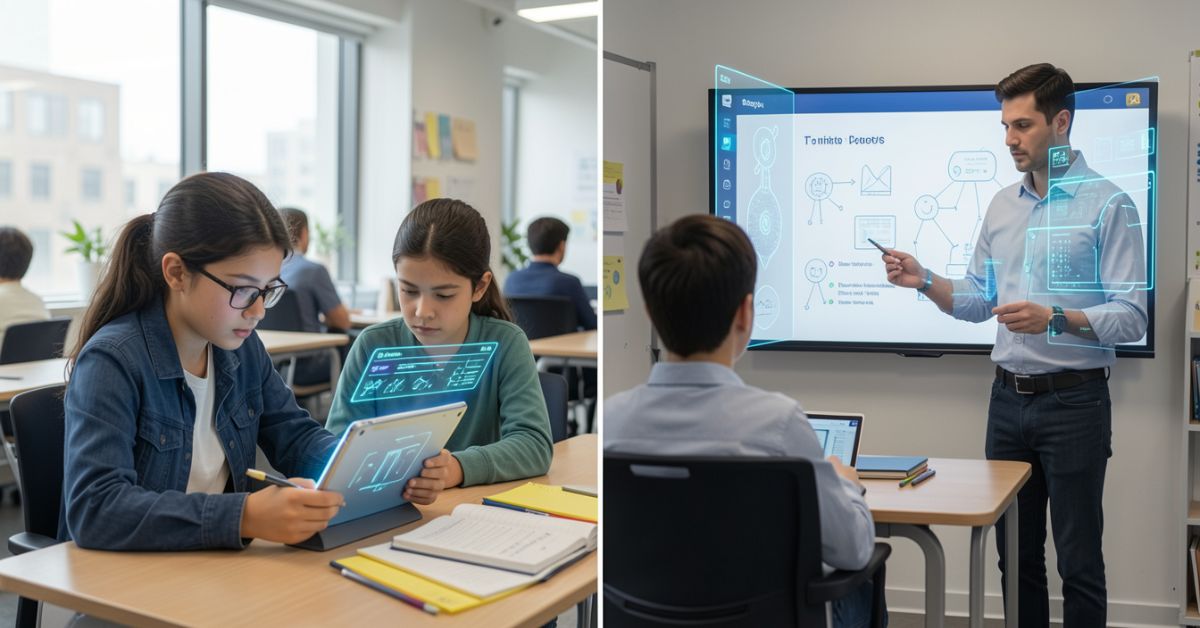
Smart Music software is a cloud-based music learning and practice platform that helps students, teachers, and musicians of all levels improve their musical skills.
MakeMusic, a well-known name in the music education industry, developed and maintains this powerful tool.
The platform started as a desktop program many years ago. Over time, it evolved into a fully online, web-based solution that anyone can access from a browser without downloading or installing anything.
At its core, SmartMusic software focuses on three key things: practice, feedback, and performance.
These three pillars work together to create a complete learning environment for any musician, whether they play the violin, trumpet, guitar, or sing in a choir.
The software listens to a student’s playing in real time and gives instant feedback on pitch, rhythm, and timing. This makes it easy for a student to know exactly where they went wrong and how to fix it.
SmartMusic software hosts the largest interactive and digital music library in the world. This library includes thousands of pieces for band, orchestra, jazz, choir, vocal, and solo instruments.
Teachers and students can access method books, solo pieces, and large ensemble pieces all in one place
. The platform is designed to be simple and user-friendly, so even young students can navigate it without trouble.
How Smart Music Software Functions
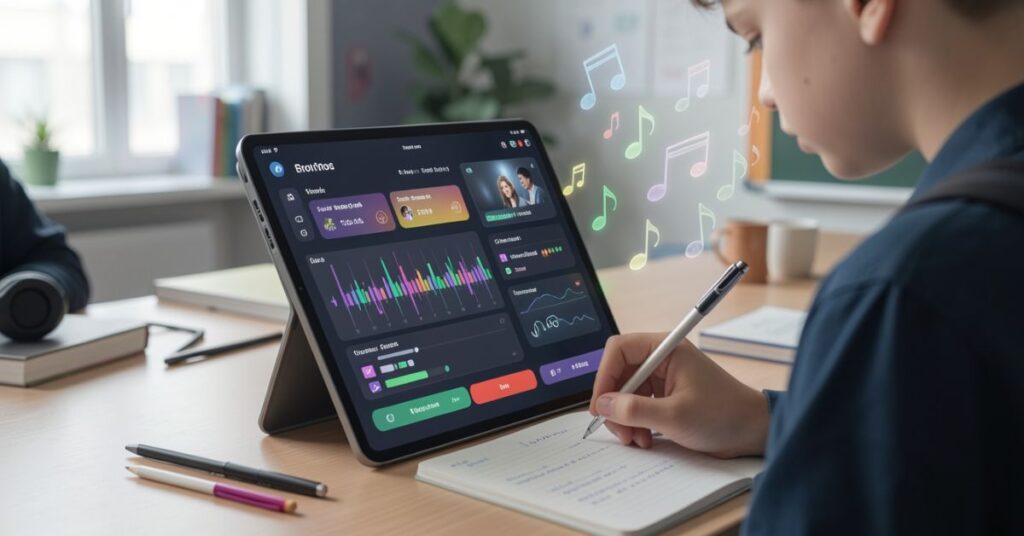
Smart Music software uses a straightforward process to help musicians practice and improve. Understanding how it works helps both teachers and students get the most out of the platform.
The system connects the user’s microphone to the software, which then listens to every note played and gives instant feedback based on what it hears.
Here is a step-by-step look at how SmartMusic software works in real life:
Sign Up and Log In: Teachers create a class on the Smart Music software platform. They then invite students to join. Students sign up for a free or paid account and log in from any supported device.
Assign Music: The teacher searches the extensive music library in Smart Music and assigns a piece, exercise, or method book to students. They set a deadline and add instructions or rubric criteria.
Student Practices: The student opens the assignment inside Smart Music software. They plug in a microphone and start playing. The software shows the sheet music on screen and plays a professional backing track. As the student plays, the software listens closely.
This simple process saves a huge amount of time for teachers and gives students a clear path to improvement. The entire workflow runs inside Smart Music software no third-party apps or extra tools are needed.
Key Features of Smart Music Software
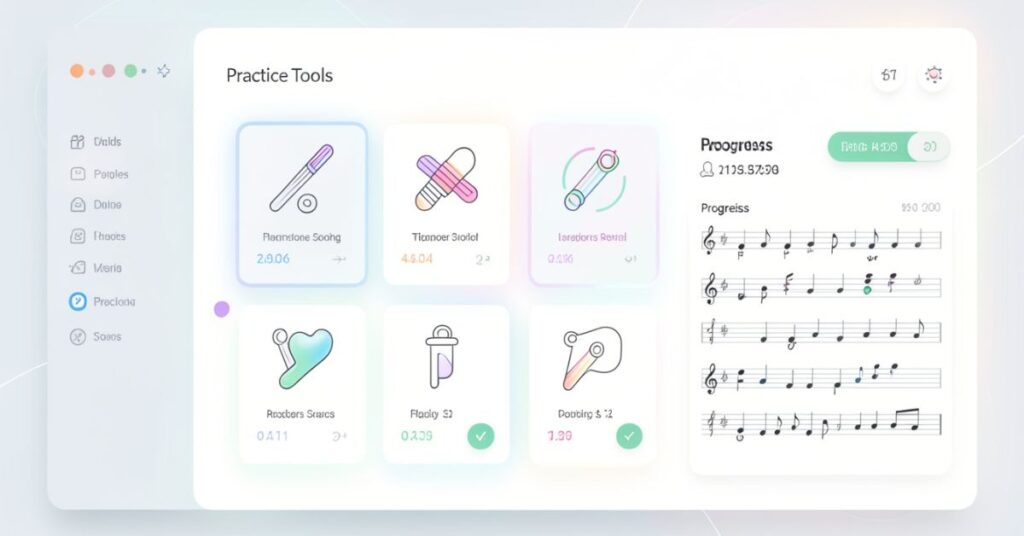
Smart Music software packs a large number of powerful tools into one easy-to-use platform.
These features make it stand out from other music education tools on the market. Below is a detailed look at the most important features that SmartMusic software offers.
Instant Pitch and Rhythm Feedback
- SmartMusic software listens to the student as they play and gives real-time feedback.
- Correct notes appear in green, and incorrect notes appear in red.
- Students can see at a glance where their mistakes are without waiting for a teacher.
- The feedback covers pitch accuracy, rhythmic precision, and note timing.
- This feature helps students self-correct faster and practice more efficiently.
Massive Music Library
- SmartMusic software gives users access to over 13,000 titles in its interactive music library.
- The library includes pieces for band, orchestra, jazz, choir, vocal ensembles, and solo instruments.
- Users can find popular method books, solo etudes, and large ensemble repertoire.
- New titles get added regularly to keep the library fresh and relevant for students.
- Teachers can browse by instrument, difficulty level, genre, or ensemble type.
Sight Reading Builder (Sight Reading Studio)
- SmartMusic software includes a powerful tool called Sight Reading Studio (also called Sight Reading Builder).
- Teachers can generate unlimited sight-reading exercises for any instrument or ensemble.
- They can customize the exercises by adjusting pitch range, rhythm complexity, key signature, and time signature.
- The software also offers an Ensemble Mode where the teacher can display exercises on a large screen and the whole class practices together.
- Regular use of this tool rapidly improves sight-reading ability in students.
Compose Tool
- SmartMusic software includes a built-in notation tool called Compose.
- Students and teachers can write original compositions directly inside the platform.
- Compositions can be shared privately with specific students or publicly with a wider group.
- This tool encourages creativity and gives students a space to express themselves musically.
- It also works well for composition assignments in music theory and general music classes.
Online Gradebook
- SmartMusic software automatically grades student performances and stores them in an online gradebook.
- Teachers can access recordings, scores, and assignment history from one central dashboard.
- The gradebook syncs directly with Google Classroom, saving teachers from manual grade entry.
- The color-coded layout makes it easy to spot struggling students at a glance.
- Teachers can add their own written feedback on top of the automatic score.
Accompaniment Tracks
- SmartMusic software provides professional-quality accompaniment tracks for every piece in its library.
- Students practice with full orchestral, band, or piano backing tracks.
- This helps students understand how their part fits into the bigger ensemble.
- Students can adjust the tempo to slow down tricky sections without changing the pitch.
- Practicing with accompaniment builds confidence and a stronger sense of rhythm.
Assignment Creation
- SmartMusic software makes it easy for teachers to create and assign music in just a few minutes.
- Teachers can add rubric criteria, instructions, deadlines, and point values to every assignment.
- The assignment tool supports multiple assessment types, giving teachers full flexibility.
- Students receive assignments directly in their accounts and can start working right away.
- Teachers can also track who has submitted and who still needs to complete their work.
Smart Music Software for Teaching
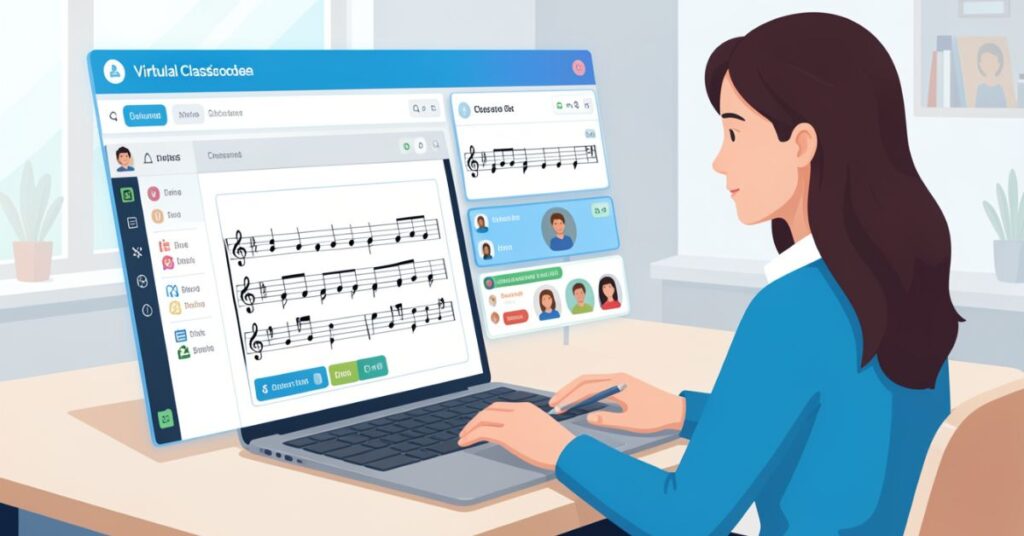
Smart Music software gives teachers an incredible set of tools to manage their music programs more efficiently.
It helps teachers save time on grading, create better assignments, and track every student’s progress with precision.
One of the biggest time-savers inside SmartMusic software is the automated grading system. Instead of listening to dozens of individual recordings and grading each one by hand, teachers let the software handle the first pass.
SmartMusic software scores each performance automatically based on pitch and rhythm accuracy.
The teacher can then review the recording, adjust the score, and add personal feedback. This approach cuts grading time dramatically and lets teachers focus their energy on actual instruction.
The Gradebook inside SmartMusic software gives teachers a bird’s-eye view of the entire class.
The color-coded layout shows green for strong performances and red for struggling ones. Teachers can identify students who need extra help before small problems become big gaps.
They can sort by assignment, student, or score, and they can export data for parent-teacher meetings or progress reports.
A teacher working with a diverse group of players can challenge some students while supporting others all within the same platform.
They can set the difficulty level and let SmartMusic software do the work. This saves hours of preparation time every week.
Smart Music software also connects with major LMS platforms like Google Classroom, Canvas, and Schoology through Single Sign-On.
Students log in once and move seamlessly between their LMS and SmartMusic software.
Grades sync automatically to Google Classroom, so teachers do not need to enter data twice. This integration makes SmartMusic software a natural fit for schools already using these digital learning tools.
SmartMusic software also offers an Educator Toolkit and Academy, a free collection of training resources, video tutorials, and best practice guides for teachers.
Smart Music Software for Learning
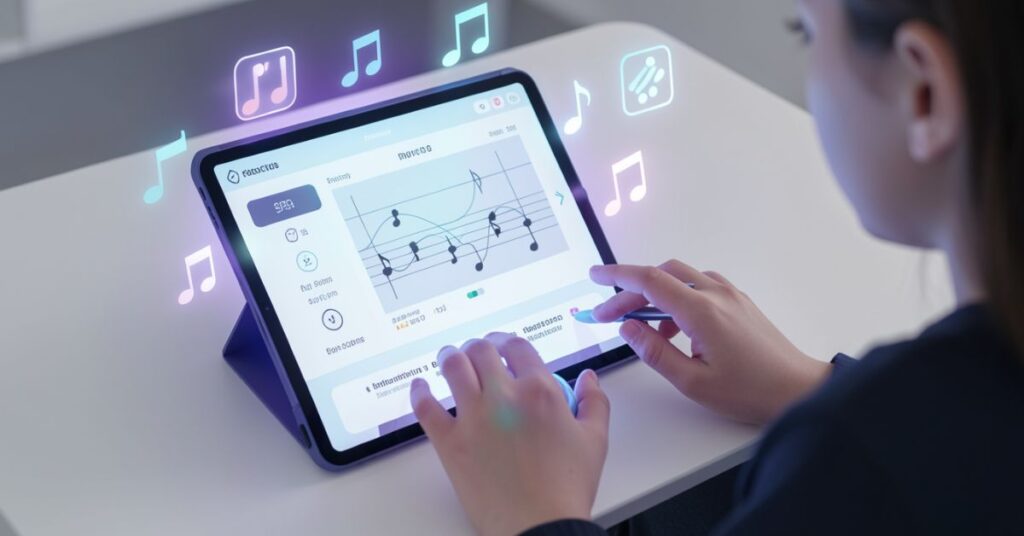
Smart Music software turns solo practice into an exciting and interactive experience. Students no longer sit alone with a music stand and a metronome.
Instead, they play along with professional musicians, receive instant feedback, and track their progress over time. This makes practice sessions more productive and much more enjoyable.
When a student opens SmartMusic software, they see their assigned piece displayed as interactive sheet music on screen.
They press play and hear a professional backing track start. As they play along, the software listens through their microphone and marks each note green or red.
Students can stop at any point, rewind, slow down the tempo, and try again. This loop of play, see feedback, and improve is what makes SmartMusic software so effective.
The tempo adjustment feature is especially helpful for students working on difficult passages.
SmartMusic software keeps the pitch the same even when the tempo changes, so the practice sounds natural.
SmartMusic software also gives students access to a free account to get started. Schools can provide Standard or Premium access depending on the program’s needs. Individual students can also upgrade on their own for a small yearly fee.
SmartMusic Software Pricing Plans
SmartMusic software offers flexible pricing options for different types of users. Below is a clear overview of the available plans:
| Plan | Who It’s For | Starting Price | Key Features |
| Free (Standard) | Individual students | $0 | Basic library, skill-building exercises, sight-reading tools |
| Individual Student | Personal use | ~$29.99/year | Full library access, accompaniment, feedback |
| For Education (School) | Schools & teachers | Custom pricing | Gradebook, Sight Reading Builder, Compose, SSO, LMS integration |
| Bulk / Program | Large programs | Custom pricing | 20+ users, print add-on available, discounted per-student rate |
- SmartMusic software starts at $29.99 per user per year for individual subscriptions.
- Schools can get bulk pricing that brings the per-student cost down significantly.
- A program with 50 students and 3 teachers can access the platform for around $399 per year — roughly $8 per student.
- The print add-on allows schools with 20+ users to print thousands of titles directly from the music catalog.
- SmartMusic software also offers a free account that never expires, giving students basic access without any payment.
SmartMusic software is designed to be affordable for programs of any size. Compared to the cost of printed music books or private lesson fees, SmartMusic software delivers exceptional value for money.
Smart Music Software Pros and Cons
Every tool has strengths and weaknesses. Here is an honest look at what Smart Music software does well and where it falls short:
Pros of Music
- Instant feedback on pitch and rhythm saves practice time.
- Massive music library with over 13,000 interactive titles.
- Easy grading through the automatic gradebook system.
- Google Classroom integration eliminates double data entry.
- Sight Reading Studio generates unlimited exercises instantly.
- Works on multiple devices: Mac, PC, Chromebook, and iPad.
- Free student account available for getting started.
- Professional accompaniment tracks make practice engaging.
- Affordable pricing for schools and individuals alike.
- Research-backed platform with proven results in improving student performance.
Cons of Smart Software
- Microphone quality matters; a poor microphone can affect scoring accuracy.
- Limited string orchestra content compared to the band library.
- Not a replacement for face-to-face teaching; works best as a supplement.
- Learning curve for new teachers who need time to explore all features.
- Smartphones and Android tablets are not currently supported.
- Internet connection required; offline access is not available.
- Some scoring inaccuracies can occur depending on microphone placement.
Smart Music Software System Requirements unavailable
SmartMusic software runs directly in a web browser, which makes setup simple. Here are the key requirements for using SmartMusic software smoothly:
| Component | Requirement |
| Devices | Mac, Windows PC, Chromebook, iPad (newer models) |
| Browser | Latest versions of Chrome, Safari, Firefox, or Edge |
| Internet | Stable broadband connection required |
| Microphone | External microphone recommended for best accuracy |
| Android/Smartphone | Not currently supported |
| Download needed? | No works entirely in the browser |
- SmartMusic software does not require any software download or installation.
- Students and teachers simply go to the SmartMusic website, log in, and start using the platform.
- An external microphone significantly improves pitch detection accuracy compared to a built-in laptop mic.
- Microphones priced between $19.95 and $39.95 typically work well with SmartMusic software.
- Schools should ensure that their network allows audio input through the browser for SmartMusic software to function correctly.
Software vs Other Earning Tools
How does SmartMusic software compare to other popular music education platforms? The table below gives a clear side-by-side comparison:
| Feature | SmartMusic Software | Noteflight | Soundslice | Finale |
| Instant Feedback | Yes | No | Limited | No |
| Accompaniment Tracks | Yes | No | Yes | No |
| Music Library (13,000+) | Largest | Marketplace | Limited | No |
| Teacher Gradebook | Yes | Basic | No | No |
| Sight Reading Builder | Yes | No | No | No |
| Compose Tool | Yes | Yes | No | Yes |
| Google Classroom Sync | Yes | Yes | No | No |
| Free Version | Yes | Yes | Limited | No |
| Cloud-Based | Yes | Yes | Yes | Desktop |
| Starting Price/Year | ~$29.99 | Free–$7.99/mo | Custom | $99.99 |
SmartMusic software leads the pack when it comes to music education-specific features like instant feedback, accompaniment tracks, and the Sight Reading Studio.
While tools like Noteflight and Finale excel at notation, SmartMusic software focuses on the full practice and assessment workflow, which is why music teachers prefer it for classroom use.
Tips to Get the Most Out of Smart Music Software
Smart Music software is a powerful platform, but users who follow a few best practices get much better results. Here are practical tips for both students and teachers:
Tips for Students
- Use a good microphone. The built-in laptop microphone often picks up background noise. A dedicated USB or headset microphone gives SmartMusic software a cleaner signal and produces more accurate feedback.
- Practice in a quiet room. Background noise confuses the pitch detection system inside SmartMusic software. Close windows, turn off fans, and find a quiet spot.
- Start slow. Use the tempo adjustment feature to slow difficult passages down to 50–60% speed. Master each section before speeding up again.
- Review red notes carefully. Every red note in SmartMusic software tells you something important. Take time to understand whether the issue was pitch, timing, or both.
- Submit early. Give yourself time to record multiple takes before the deadline. SmartMusic software lets you submit your best performance.
- Use Sight Reading Studio daily. Even 10 minutes of daily sight-reading practice inside SmartMusic software builds enormous skill over weeks and months.
Tips for Teachers
- Set clear rubric criteria. SmartMusic software lets you customize grading rubrics. Use this feature to set expectations clearly for every assignment.
- Listen to recordings. The automatic score is a starting point, not the final word. Listen to student recordings inside SmartMusic software and add personal comments.
- Use Ensemble Mode. Display Sight Reading Studio exercises on the classroom projector and have the whole class practice together.
- Assign method book exercises. SmartMusic software includes popular method books in its library. Assign specific pages to reinforce what students learn in rehearsal.
- Explore the Educator Toolkit. MakeMusic provides free training videos and guides to help teachers make the most of SmartMusic software.
- Encourage premium upgrades. For students who want extra practice, a premium individual account opens up the full library at a low yearly cost.
Smart Music Software: Real Results from Real Users
Smart Music software has earned strong praise from music teachers and students around the world. Teachers call it one of the most engaging, efficient, and versatile music teaching tools available today.
Many music directors report that students learn ensemble material faster when they practice with SmartMusic software at home, which leads to better performances in class.
Research backs up these claims. Multiple studies show that students who use SmartMusic software improve their rhythmic accuracy more quickly than those who do not. Students report feeling more motivated and confident after practicing with the accompaniment feature.
The visual feedback system, green and red notes, creates a clear and immediate reward loop that keeps students focused during practice sessions.
One music teacher with over five years of experience using SmartMusic software said that giving students access to the software on any device Chromebook, iPad, or desktop made a massive difference in student engagement.
Students who previously skipped home practice started practicing regularly because the software made it fun.
Another teacher highlighted the rubric system in SmartMusic software as a game-changer for assessment.
Unlike older, rigid grading methods, the SmartMusic software rubric lets teachers tailor evaluation criteria to the specific needs of their program. This means grades reflect real musical growth rather than a one-size-fits-all standard.
For administrators and school board members, SmartMusic software also provides measurable data on student performance.
The gradebook gives a clear picture of individual and class-wide progress over time. This data helps justify music program budgets and demonstrates the value of music education in measurable terms.
Smart Music Software: The Complete Guide for Students and Teachers
Music education technology continues to evolve rapidly. Yet Smart Music software remains the top choice for music teachers and students around the world. Several factors explain why Smart Music software continues to lead the market.
First, SmartMusic software offers the most complete feature set for music education. No other platform combines a massive library, instant feedback, professional accompaniment tracks, sight-reading tools, a gradebook, and a composition tool in one package.
Teachers do not need to juggle multiple apps because SmartMusic software covers everything.
Second, SmartMusic software stays affordable for schools of all sizes. The per-student pricing model means small programs and large districts can both access the same powerful tools. The free student account removes financial barriers entirely for families who cannot afford subscriptions.
Third, SmartMusic software improves constantly. MakeMusic regularly updates the platform based on teacher and student feedback.
Recent updates include a new intuitive left-side navigation, an in-app companion called Dori that encourages students and recommends songs, and color-coded gradebook analytics for teachers.
Fourth, Smart Music software builds lifelong musical habits. The positive feedback loop playing a note, seeing it turn green, hearing a professional ensemble around you makes students want to practice more.
This intrinsic motivation is one of the most valuable outcomes any music education tool can produce.
In 2025 and 2026, music educators across the world continue to recommend SmartMusic software as the gold standard for digital music practice and assessment.
If you teach music or play an instrument, SmartMusic software deserves a place in your daily routine.
FAQs
Q1. Is SmartMusic software free to use?
Yes, SmartMusic offers a free student account with basic tools and sight-reading exercises.
Q2. What devices support SmartMusic software?
It works on Mac, Windows PC, Chromebook, and newer iPads; no download needed.
Q3. Does SmartMusic software work with Google Classroom?
Yes, it integrates directly with Google Classroom, Canvas, and Schoology.
Q4. How does SmartMusic software grade student performances?
It uses pitch and rhythm detection to mark notes green or red and generate an automatic score.
Q5. How much does SmartMusic software cost for a school?
School plans start at around $8 per student per year, with individual plans at $29.99/year.
Q6. Can students compose their own music in SmartMusic software?
Yes, the built-in Compose tool lets students write and share their own music.
Q7. Is SmartMusic software suitable for beginners?
Absolutely, it works for all skill levels and lets beginners slow down the tempo to practice comfortably.