



Every computer, smartphone, and tablet you use runs on two things: software and hardware. Most people hear these words every day.
But not everyone knows exactly what they mean or how they differ. If you have ever wondered about the real difference between software and hardware, you have come to the right place.
This article explains both concepts in simple language. You will learn what software and hardware are, how they work, how they differ, and why both are important.
By the end, you will have a clear picture of how these two things power every digital device in your life.
Let us get started.
Software vs Hardware Difference
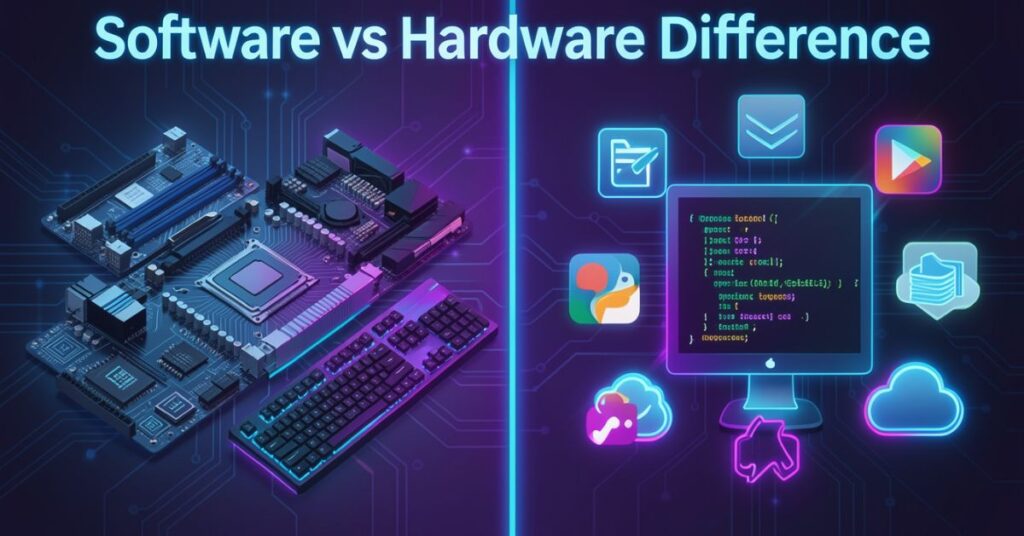
The primary distinction between software and hardware is that hardware refers to the actual physical parts of a computer, while software consists of instructions that tell a computer how to carry out a specific operation.
Think of it this way. Your smartphone has a screen, a battery, buttons, and chips inside it. All of those things are hardware. You can touch them.
You can hold them in your hand. But the apps you open on that phone, like WhatsApp, YouTube, or your camera app, those are software. You cannot hold software. You cannot touch it. It exists as code and instructions that run on the hardware.
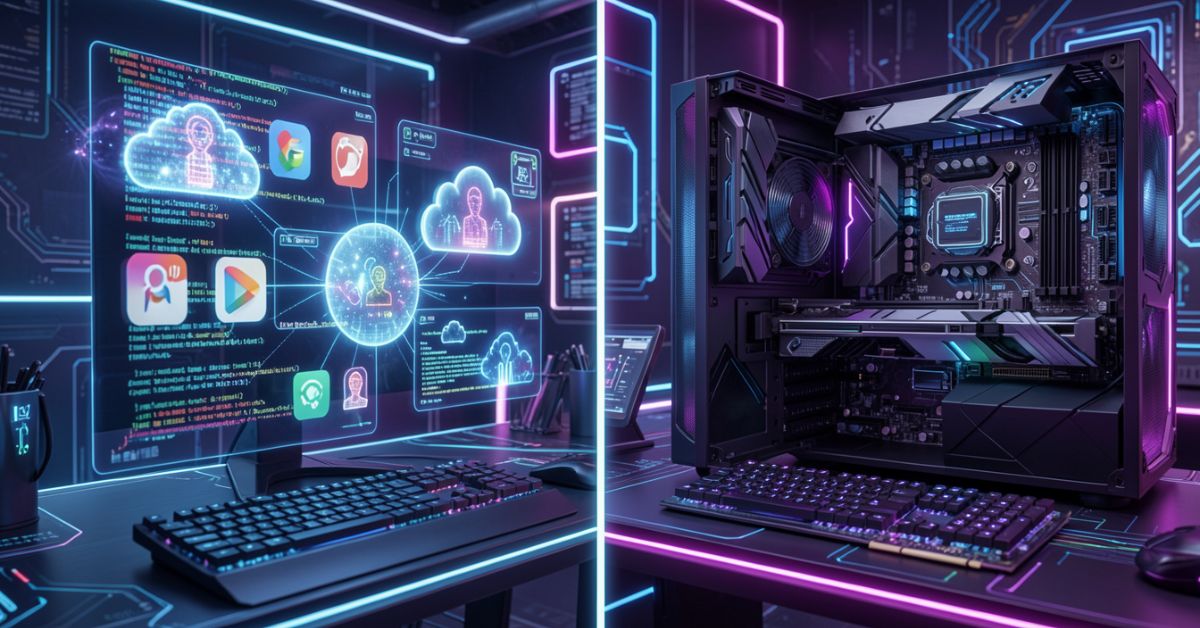
Hardware is physical, and software is virtual. Hardware can be touched, but software cannot. This is the most basic way to explain the difference between software and hardware.
Now here is the interesting part. Neither one works without the other. Hardware can turn on without software, whereas software execution depends on hardware.
However, hardware without software is of little use, since software is the means by which we communicate with the hardware. Metaphorically speaking, the hardware is the body, while the software is the heart and soul.
This relationship makes the difference between software and hardware very important to understand. Together, they make your devices smart, useful, and powerful. Separately, neither one does much at all.
What Is Hardware?
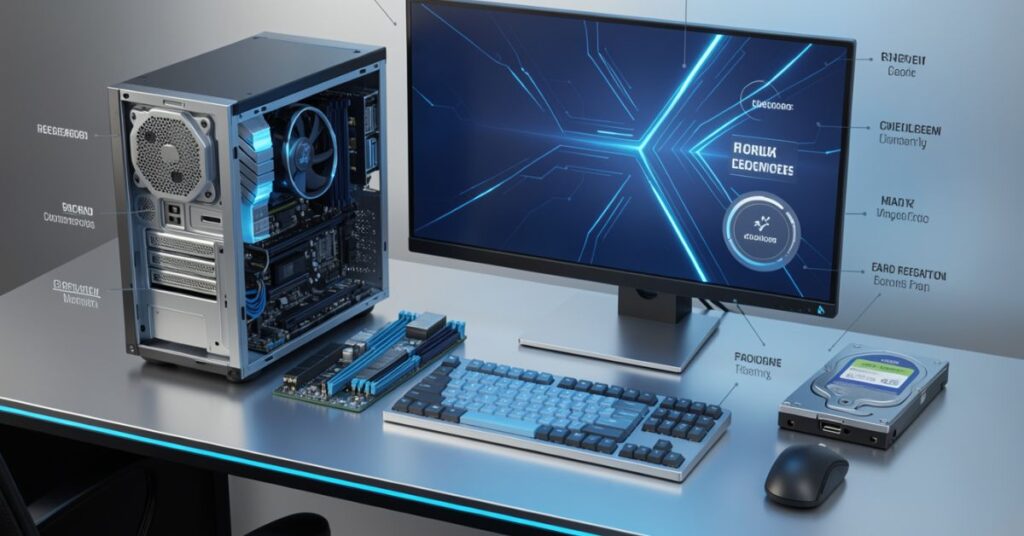
Hardware is the physical part of a computer that you can touch and see with your own eyes. These parts work together to process data and perform tasks. Examples include the Processor, Memory Devices, Monitor, Printer, Keyboard, Mouse, and Central Processing Unit (CPU).
Hardware is everything you can physically interact with on a computer or device. When you type on a keyboard, the keyboard is hardware. Your monitor, the screen right in front of you, is a perfect example of hardware.
When a computer processes your commands, the CPU doing that work is hardware.
You can see, touch, and even buy hardware from any store near you. A new keyboard is just one click away online.
Opening your computer lets you upgrade your RAM easily. Even a broken phone screen is something you can replace yourself. All of these are hardware actions.
Hardware also wears out over time. A hard drive can fail after years of use. A battery loses its charge capacity. A fan can stop working.
When hardware breaks, you need to repair or replace it physically. You cannot fix a broken screen by writing code.
Faster processors and advanced components improve overall system performance, enabling quicker data processing and efficient multitasking capabilities.
NVIDIA Graphics Processing Units (GPUs) are crucial in AI because they handle parallel processing efficiently, which is necessary for machine learning and deep learning.
This shows that hardware continues to evolve and grow more powerful every year.
Types of Hardware You Need to Know
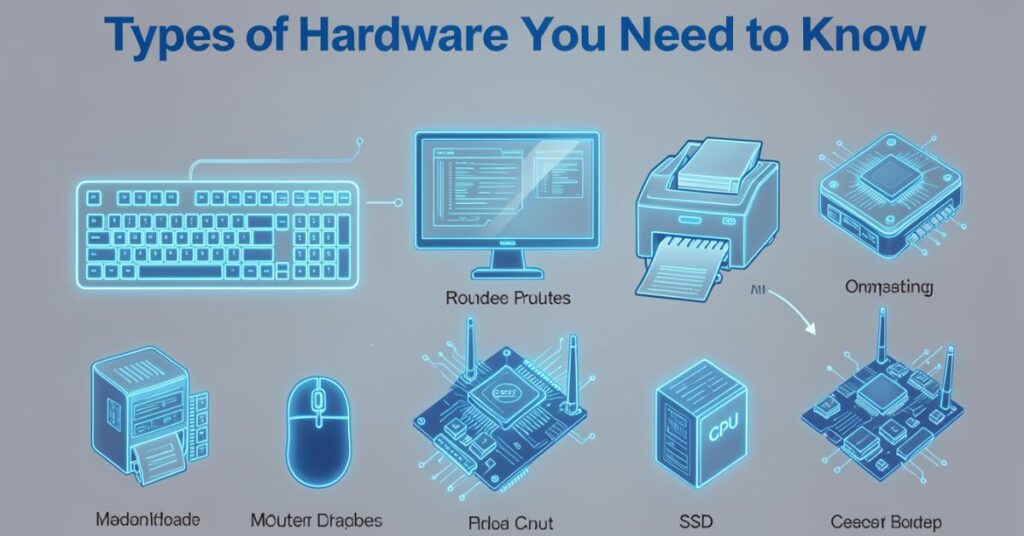
Hardware covers every physical part of your computer that you can see, touch, and use. This includes the keyboard you type on, the screen you look at, and all the internal circuits that keep your device running.
Hardware falls into several main categories. Each category plays a different role in making your device work.
Input Devices
- Keyboard — You use it to type text and commands into your computer.
- Mouse — You use it to click, drag, and navigate on screen.
- Microphone — It captures your voice for calls, recordings, or voice commands.
- Scanner — It converts physical documents into digital files.
- Webcam — It captures video for calls and recordings.
Output Devices
- Monitor — It displays images, videos, and text for you to see.
- Printer — It puts digital documents onto physical paper.
- Speakers — They produce sound from your computer.
- Projector — It projects your screen onto a bigger surface.
Storage Devices
- Hard Disk Drive (HDD) — It stores large amounts of data permanently at a lower cost.
- Solid State Drive (SSD) — It stores data faster and more reliably than an HDD.
- USB Drive — It stores files portably so you can carry them anywhere.
- RAM (Random Access Memory) — It stores data temporarily while you work.
Processing Devices
- CPU (Central Processing Unit) — This is the main brain of the computer. It runs your programs and processes commands.
- GPU (Graphics Processing Unit) — It handles graphics-heavy tasks like video editing, gaming, and AI.
Internal Components
- Motherboard — It connects all the hardware components.
- Power Supply Unit (PSU) — It converts electricity into power for the components.
- Cooling Fans — They keep your hardware from overheating.
What Is Software?
Software refers to the programs, data, and instructions that tell a computer how to perform specific tasks. It includes all the intangible components of a computer system.
Software is the brain behind every action on your device. Clicking a button inside an app triggers the software to decide what happens next. Open a website, and the software instantly loads and displays it for you.
Overnight phone updates also run automatically, downloading and installing new software without any effort from you.
Unlike hardware, it is intangible and cannot be physically touched or seen directly. You cannot put software in a box.
You cannot hold a video game in your hand; you can hold the disc it came on, but the disc is just storage. The actual game is the software on that disc.
Unlike hardware, which consists of physical components with fixed functionalities, software is a collection of instructions and code that can be easily modified, updated, or replaced.
Software changes can be implemented without requiring physical alterations to the underlying.
This is a huge advantage. Software developers can fix bugs, add new features, and release updates without touching any physical component. You simply download the update, and your app becomes better overnight.
Software also runs at incredible speeds. It sends millions of instructions to your hardware every second. When you click a button on your phone, software processes that click, checks what you clicked, finds the right action, and displays the result, all in a fraction of a second.
Types of Software You Need to Know
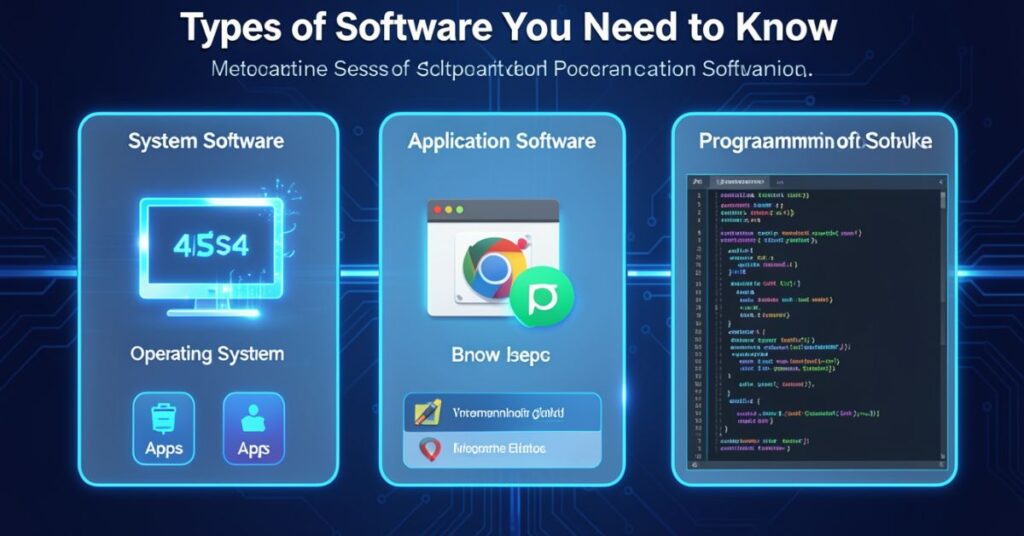
Software is a set of instructions, data, or programs used to operate computers and execute specific tasks. The two primary types of software are System Software and Application Software.
System Software
- Operating System (OS) — Windows, macOS, Linux, Android, and iOS are all operating systems. They manage all the hardware and let other software run on top of them.
- Device Drivers — These let your OS communicate with specific hardware like your printer or graphics card.
- Utility Software — These are tools that help manage and maintain your system, like antivirus programs, disk cleaners, and backup tools.
- Compilers and Interpreters take the code that programmers write and convert it into a language that the computer can understand and execute.
Application Software
- Word Processors — Microsoft Word and Google Docs help you write and format documents.
- Web Browsers — Chrome, Firefox, and Safari let you browse the internet.
- Media Players — VLC and Windows Media Player play your videos and music.
- Games — From mobile games to PC titles, games are all software.
- Graphic Design Tools — Adobe Photoshop and Canva help you create and edit images.
- Accounting Software — QuickBooks and Tally help businesses manage their finances.
Middleware
Middleware acts as a bridge between system software and applications. Examples include Database middleware, API gateways, and Message brokers. Middleware plays a key role in large systems like banks and e-commerce platforms.
Key Differences Between Software and Hardware
Now that you understand both, let us look at their differences side by side. The table below makes the difference between software and very clear.
| Feature | Hardware | Software |
| Nature | Physical and tangible | Virtual and intangible |
| Can You Touch It? | Yes | No |
| Examples | CPU, RAM, Keyboard, Monitor | Windows, MS Word, Chrome |
| Wears Out? | Yes, over time | No physical degradation |
| Can It Be Updated? | Only by replacing or upgrading parts | Yes, easily via updates |
| Made of | Electronic components and materials | Code and programming instructions |
| Works Without the Other? | Can power on, but not useful | Cannot run without hardware |
| Cost of Change | Expensive (requires physical parts) | Cheaper (code changes) |
| Failure Type | Physical damage or wear | Bugs, corruption, or viruses |
| Flexibility | Limited | Very high |
| Types | Input, Output, Storage, Processing | System, Application, Middleware |
How Software and Hardware Work Together
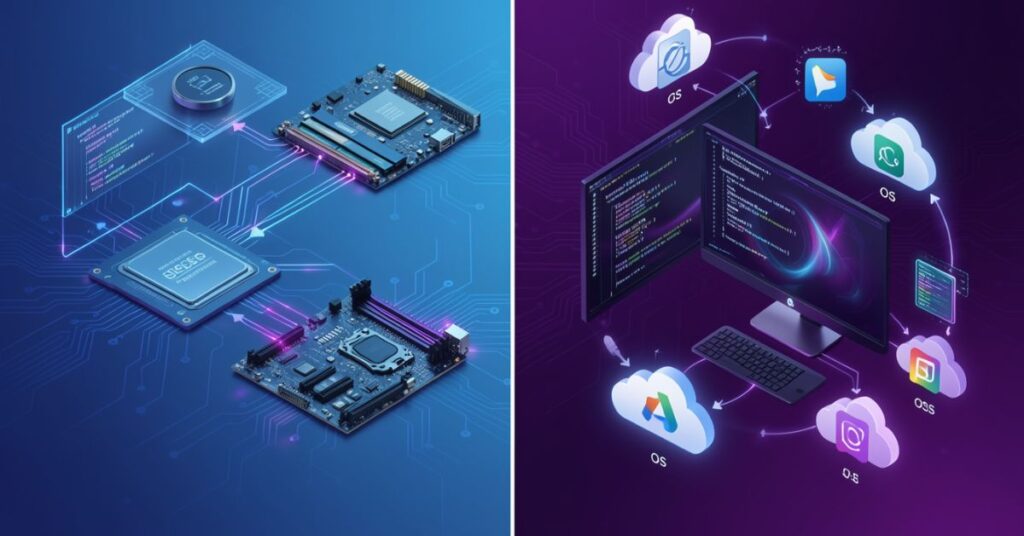
The difference between software and hardware becomes even clearer when you see how they work together. They depend on each other completely.
Hardware carries out tasks that are assigned to it. Software works as the bridge between you and the sending it clear instructions on what to do and when to do it.
Here is a simple real-life example. Suppose you open a music app on your phone and press play.
- You tap the play button. Your touchscreen (hardware) registers the tap.
- The app (software) receives the tap and tells the system to play a song.
- The operating system (software) sends the audio data to the sound chip (hardware).
- The speaker (hardware) plays the sound you hear.
All of this happens in a split second. The hardware and software exchange information constantly. Neither side could do this alone.
All uses at least one hardware device to operate. For example, a video game, which is software, uses the computer CPU, RAM, hard drive, and video card to run.
This deep connection is why, when you buy a new computer, you need to check both the hardware specs and whether your software is compatible. A powerful CPU still needs a well-written program (software) to perform at its best.
Software vs Hardware Lifespan
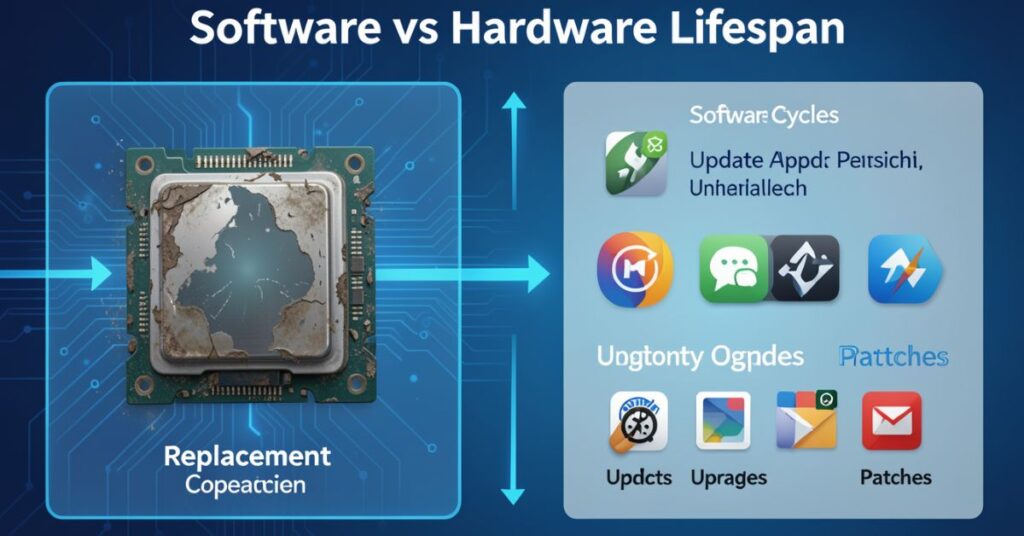
One important area where the difference between software and hardware shows clearly is lifespan and maintenance.
Hardware lifespan:
Hardware has a physical lifespan. Components wear out. A hard drive might last 3 to 5 years with regular use. A laptop battery slowly loses its ability to hold a charge. RAM sticks can fail over time. Physical damage, like dropping a phone, can destroy hardware instantly.
Hardware gets damaged and worn out over time, so you may need to repair or replace it physically. Hardware modifications are limited to upgrades or replacements of components.
Software lifespan:
Software does not wear out the same way. A 20-year-old program can still run if the hardware supports it. However, software can become outdated, unsupported, or incompatible with newer hardware.
Software is not subject to physical degradation but can become obsolete or corrupted, requiring updates or reinstallation.
Software is highly customizable, with users able to alter settings, configurations, and even develop custom programs.
This means companies constantly release updates to keep software fresh, secure, and compatible.
Think of how your phone asks you to update apps regularly. Each update makes the software better without changing any hardware.
Software vs Hardware: Cost & Development
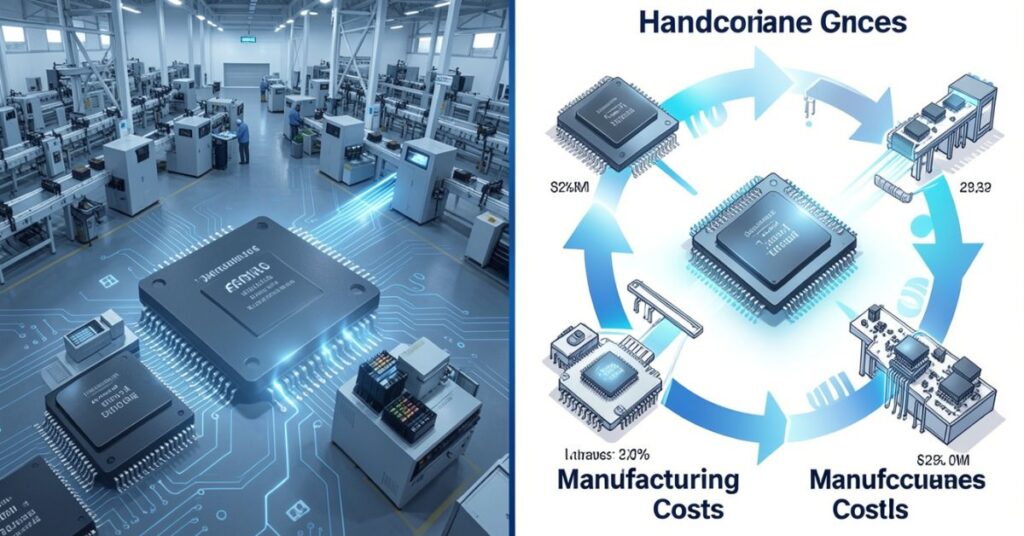
Creating hardware and software requires completely different skills, tools, and budgets.
Developing hardware:
Engineers often build hardware using a combination of materials that they manage with their hands and tools.
Professionals might use microchips and chemicals, such as aluminum, copper, and nickel, to construct a smartphone.
Hardware development requires factories, raw materials, machines, and highly skilled engineers.
A single chip can take years and billions of dollars to design and manufacture. Changing a hardware design after production is extremely expensive.
Developing software:
Software developers write code using computers and programming languages. A small team can build and launch a powerful application with relatively low cost.
Fixing a bug in software takes hours or days, not months or billions. Developers release updates regularly and continually improve their software.
This cost difference explains why software companies often grow faster and become more profitable than hardware manufacturers.
However, without hardware companies, software would have no platform to run on. Both industries need each other to survive and thrive.
The Role of Firmware: Where Software Meets Hardware
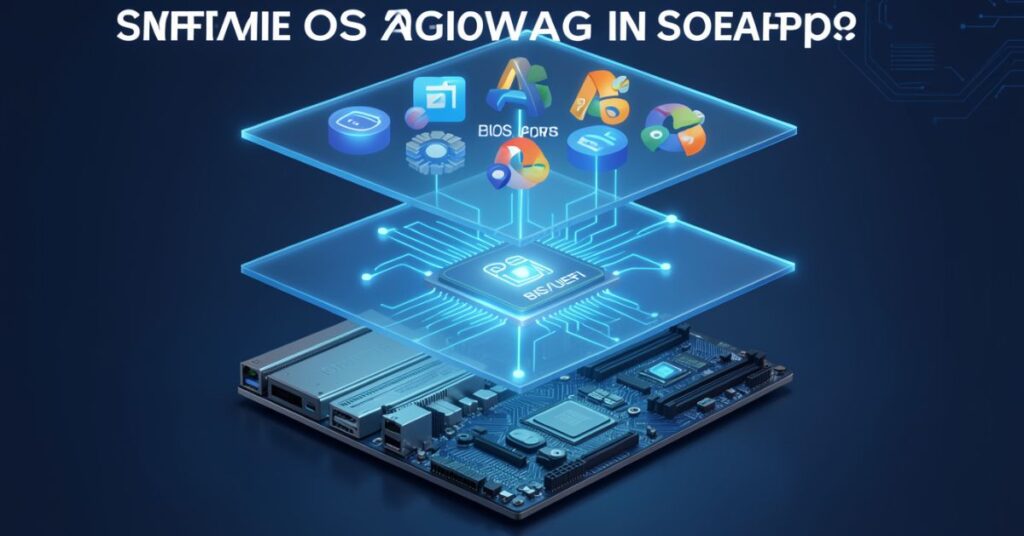
When you explore the difference between software and hardware, you discover a third concept called firmware. Firmware sits exactly between the two.
Firmware is a type of software that you, as the user, do not interact with. It does not have a user interface like software.
It is pre-installed on things like mice, keyboards, printers, Thunderbolt docks, and more to help that specific device function correctly.
Depending on the device in question, the firmware might receive periodic updates.
Think of firmware as the basic software baked into hardware. Your router runs firmware. Inside your smart TV, firmware controls its basic functions. Even your wireless mouse carries firmware to operate correctly.
Firmware tells the hardware how to behave at a basic level before any other takes over.
Firmware updates are common and important. When your router manufacturer releases a firmware update, it fixes bugs and security issues in the hardware’s built-in software. This shows how closely and software overlaps in the real world.
Difference Between Software and Hardware in Modern Technology
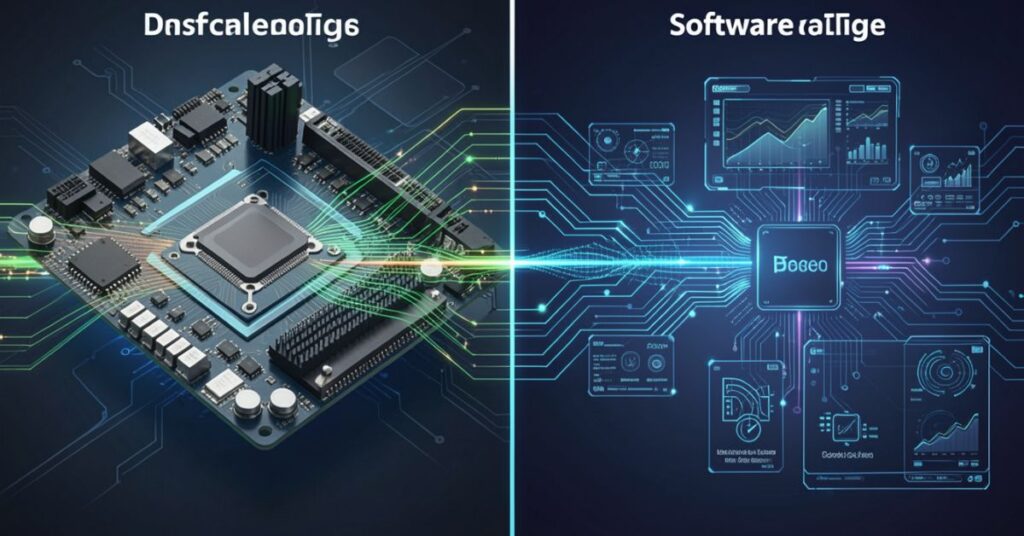
Today, the difference between software and matters more than ever. Technology advances rapidly, and both sides push each other forward.
AI PCs are designed to efficiently execute AI workloads using a combination of CPUs, GPUs, and NPUs, allowing them to handle tasks such as generative AI models more effectively than previous PC generations.
This optimization enables AI PCs to run AI applications with improved performance, power efficiency, and privacy by processing data locally rather than relying on cloud-based solutions.
This shows that hardware and now evolve together. AI models (software) need special chips (hardware) to run fast and efficiently.
As AI grows more powerful, hardware manufacturers respond by designing chips specifically built for those tasks.
Smartphones are another great example. Every year, phone makers release new hardware with better cameras, processors, and screens.
At the same time, software updates bring new features, better security, and smoother performance. The hardware and race keep pushing technology forward together.
Real-World Examples of Software and Hardware
Let us look at some everyday examples to make the difference between software and hardware crystal clear.
| Device | Hardware Components | Software Running on It |
| Laptop | CPU, RAM, Screen, Keyboard, HDD/SSD | Windows/macOS, MS Office, Chrome |
| Smartphone | Processor, Camera, Screen, Battery | Android/iOS, WhatsApp, Instagram |
| Smart TV | Display Panel, Speakers, Remote | Netflix app, YouTube app, Firmware |
| ATM Machine | Keypad, Card Reader, Cash Dispenser | Banking Software, OS |
| Gaming Console | GPU, Controller, Disc Drive | Game software, Console OS |
| Router | Antennas, Ethernet Ports, Processor | Firmware, Network Management Software |
Each device on this list uses both hardware and software together. Remove one, and the device stops working properly.
Why Understanding the Difference Between Software and Hardware Matters
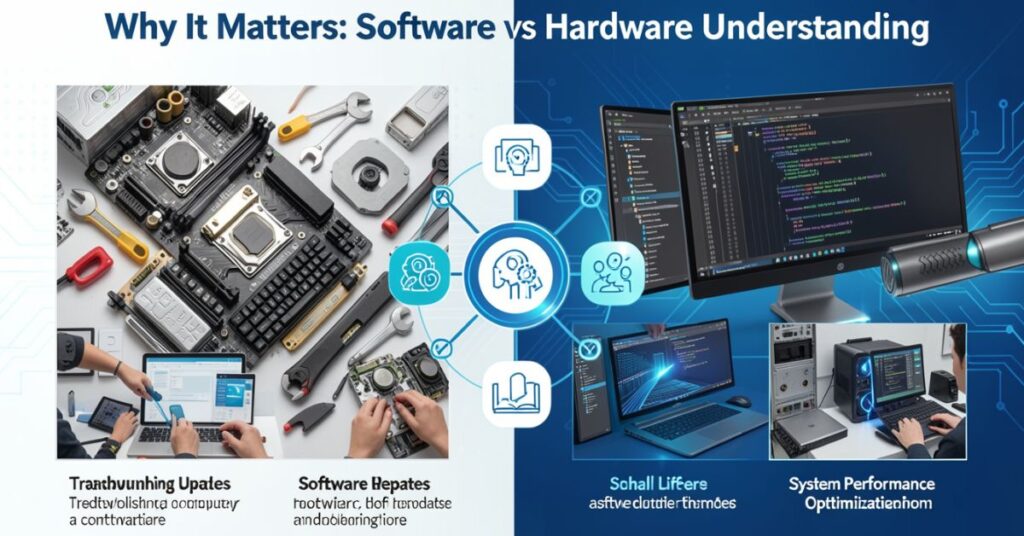
You might wonder why this matters to me. Here are some very practical reasons.
For everyday users:
When your computer slows down, you need to know if the problem is hardware (like a failing hard drive or low RAM) or software (like a virus or too many apps running). Knowing the difference helps you fix the right thing.
For students:
Understanding the difference between software and hardware is a basic requirement in computer science, IT, and engineering studies. It forms the foundation for more advanced topics.
For business owners:
When buying new computers for your office, you need to balance hardware specs with software needs. A cheap machine might not run your accounting software smoothly. Knowing both sides helps you make smarter buying decisions.
For job seekers:
IT support, software development, hardware engineering, and cybersecurity are all growing fields. Understanding where hardware ends and software begins helps you choose your career path clearly.
Common Misconceptions About Software and Hardware
Many people confuse software and hardware. Here are some of the most common misunderstandings cleared up simply.
Misconception 1: A CD or USB Drive Is Software
A CD or USB drive is hardware. It is a physical storage device. The software lives on the CD or USB drive. While software may come on a CD or DVD, the disc is the storage medium for the programming code that makes up the software. The disc is not the actual software.
Misconception 2: Keyboards and Mice Are Not Hardware
Things like headsets, keyboards, mice, and monitors are more accurately described as peripherals. Basically, if it is something that allows you to use the computer, it can be described as a peripheral. Peripherals are a subcategory of hardware.
Misconception 3: Software Is Free, and Hardware Is Expensive
Some software costs a lot of money. Adobe Photoshop, Microsoft 365, and antivirus programs all cost money. At the same time, some hardware is very affordable. Price depends on the product, not the category.
Misconception 4: You Can Run a Computer Without Software
In most situations, a computer can run without software being installed. However, if an operating system or interpreter is not found, it either generates an error or outputs no information. So technically it powers on, but it cannot do anything useful without software.
Future of Software and Hardware
The future looks exciting for both software and hardware. Here is what experts and tech companies currently focus on:
- AI chips — Companies like Nvidia, Intel, and AMD build processors specifically designed to run AI software faster.
- Quantum computing — A new type of hardware that can solve problems millions of times faster than current computers.
- Cloud software — More software no w runs on remote servers, reducing the need for powerful local hardware.
- Wearable hardware — Smartwatches, fitness bands, and AR glasses are new hardware categories growing rapidly.
- Edge computing — FPGAs are used across the automotive, healthcare, and other industries. They are useful in edge computing scenarios where AI capabilities must be deployed close to the data source for faster decision-making and reduced latency.
Both software and hardware will keep growing and pushing each other forward. The difference between software and hardware will remain important, but their relationship will become even closer and more powerful.
Quick Summary Table: Software vs Hardware
| Aspect | Hardware | Software |
| Definition | Physical parts of a computer | Programs and instructions for a computer |
| Tangible? | Yes | No |
| Examples | CPU, RAM, Keyboard, Printer | Windows, Chrome, MS Word |
| Types | Input, Output, Storage, Processing, Internal | System, Application, Middleware |
| Can it be updated easily? | No — needs physical replacement | Yes — via downloads and patches |
| Can it break physically? | Yes | No |
| Depends on the other? | Yes | Yes |
| Created by | Engineers with materials | Programmers with code |
| Virus risk? | Rarely | Yes, software can get infected |
| Cost to modify | High | Low to moderate |
Final Thoughts
Understanding the difference between software and hardware gives you a strong foundation in technology. Hardware powers your device physically.
Software makes it smart and useful. Neither one works without the other. Together, they drive every digital experience in your daily life, from sending a message to streaming a video.
Keep both in good shape, and your device will always perform at its best.
FAQs
Q1. What is the simplest way to explain the difference between software and hardware?
Hardware is anything you can physically touch on a computer, like the keyboard, screen, or CPU. Software is the programs and instructions that run on that hardware, like Windows, WhatsApp, or MS Word. Hardware is the body; software is the brain.
Q2. Can software work without hardware?
No. Software always needs hardware to run. A program needs a processor to execute its instructions, memory to store its data, and a screen or speaker to show results. Without hardware, software has no platform to exist on.
Q3. Can hardware work without software?
Hardware can power on without software. But it cannot do anything useful. Without an operating system or software instructions, hardware just sits there with no purpose. You need both to make a functional device.
Q4. What are the main types of software?
The two main types of software are system software (like operating systems and device drivers) and application software (like browsers, games, and office tools). A third type, middleware, connects system and application software in large platforms.
Q5. What are the main types of hardware?
The main types of hardware are input devices (keyboard, mouse), output devices (monitor, printer), storage devices (HDD, SSD, USB), processing devices (CPU, GPU), and internal components (motherboard, power supply).
Q6. Is firmware hardware or software?
Firmware is neither purely hardware nor software; it sits in between. It is software pre-installed directly into a hardware device. It controls the basic functions of that device and sometimes receives updates, just like regular software.
Q7. Which is more important, hardware or software?
Neither is more important. Both work together and depend on each other. Powerful without good software cannot deliver a great user experience. Brilliant on weak hardware will run slowly and poorly. You need both in balance for the best performance.